How UK retailers build a Shopware store, from installation and initial setup to catalogue, legal texts and the first order.
You build a Shopware store in six stages: choose how it will be hosted, install Shopware, run the First Run Wizard, set the basic configuration, add your catalogue and design, then go live after a test order. The Community Edition software is free. You need a suitable server or hosting provider, a domain, and a Shopware account.
An experienced person installs Shopware in an hour, but a store that is ready to sell takes weeks. Most of the time goes into product data, shipping rules, payment methods, legal texts, and testing. If you underestimate that work, you either launch with gaps or you never launch.
You do not have to do everything yourself. Besides building it yourself or hiring an agency, you can rent a store, for example with the solution25 store subscription, where our team builds, configures, and runs the store for you.
This article is for retailers, manufacturers, and founders who want to set up a store on Shopware 6 and want to know what really happens between installation and the first order. It walks through the steps in the order we follow in client projects and points out where you are most likely to lose time.
Most problems in new stores do not start during installation. They start because five questions were never answered. Settle these points before you run the first command.
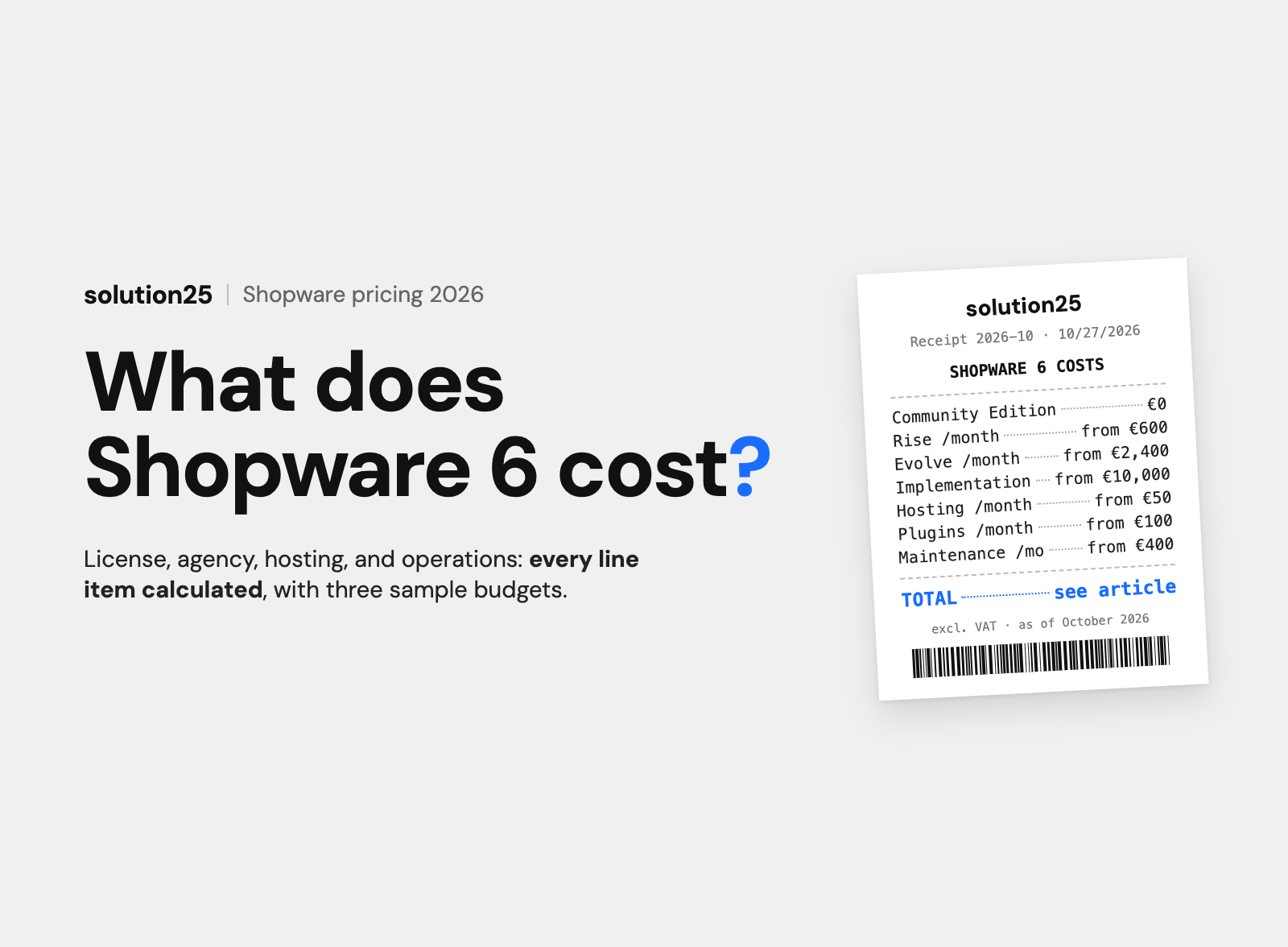
For a new store, the Community Edition is almost always enough. It has no licence fee and includes the catalogue, basket, checkout, customer accounts, Shopping Experiences, and the Administration. The Rise, Evolve, and Beyond plans start at €600 per month and add features and direct support from Shopware. You can switch later. Our article What is Shopware? explains the editions.
Shopware can be self-hosted on your own or a rented server, run on the Shopware PaaS, or used as SaaS. If you build it yourself, a hosting provider that specialises in Shopware is the usual choice, because PHP, the database, and caching are already configured correctly. Our article on Shopware hosting covers the differences.
You can build it yourself, hire an agency, or rent the store. Building it yourself makes sense if someone on your team has experience with PHP, servers, and ecommerce platforms. Without that experience, doing it yourself often costs more time than the invoice you save.
Count your products, variants, and properties. You can maintain 40 products without variants by hand. Eight hundred items in different sizes and colours need an import and a clean property structure. That number drives the effort and the tools you need.
Decide whether orders arrive only by email, flow into an inventory or ERP system, or go to a fulfilment provider. Plan an ERP or inventory integration before launch, not after.
According to the Shopware update guide, Shopware 6.7 requires at least PHP 8.2, and supports 8.2, 8.3, and 8.4. For the database you need MySQL 8.0.17 or newer or MariaDB 10.11 or newer. Shopware names specific versions to avoid: MySQL 8.0.20 and 8.0.21, and MariaDB 10.11.5 and 11.0.3. To build the Administration and Storefront you need Node.js 20 or newer. Redis 7.0 or newer is optional and helps with cache and sessions.
| Component | Shopware 6.7 requirement |
|---|---|
| PHP | 8.2, 8.3, or 8.4 |
| MySQL | 8.0.17 or newer, not 8.0.20 or 8.0.21 |
| MariaDB | 10.11 or newer, not 10.11.5 or 11.0.3 |
| Node.js | 20 or newer |
| Redis | 7.0 or newer, optional |
For development, Shopware recommends a quad-core machine with at least 8 GB of RAM, ideally 16 GB, and about 10 GB of free disk space. Only Unix-based systems are supported, so on Windows you use WSL 2 or Docker Desktop.
You download the file shopware-installer.phar.php from the Shopware download area, place it in an empty directory on your web server, and open it in a browser. The installer asks for the language, checks the system requirements, shows the licence terms, asks for the database credentials, and imports the tables. Then you set the store email, default language, default currency, and the first admin user. Important: the default language and default currency cannot be changed later. Finally, point the web server document root to the /public folder. Delete or protect the installer file afterward.
For developers, Shopware recommends the Shopware CLI with Docker. You create a project with shopware-cli project create and start the local environment with shopware-cli project dev. The CLI can generate a Dockerfile for production or prepare a deployment to the PaaS. Shopware currently labels the CLI as alpha. This method fits if you work with Git, develop extensions, and want to test changes locally first.
Many Shopware hosting providers offer plans where Shopware is already installed or set up with one click. For a first store, this is the fastest route. Make sure the plan does not block updates and that you get SSH access to the command line. Without command line access, later updates and troubleshooting become tedious.
After installation, Shopware logs you in to the Administration and starts the First Run Wizard. It has eight stages:
Set aside half an hour for the wizard. Have your mail server details, PayPal access, and Shopware account login ready, or you will stop halfway through.
Before you add products, enter the data Shopware needs for invoices, emails, and legal texts. The Shopware documentation notes that the menu stays incomplete until this minimum data is entered.
Under Settings, enter your company name, address, contact details, bank details, and tax number. Check the tax rates and whether prices are displayed gross or net. A B2C store shows prices including tax, a pure B2B store usually shows net prices. If you serve both, create customer groups.
You create shipping methods with rules based on weight, basket value, destination country, or product type. Start simple, for example with one parcel service for domestic shipping and a threshold for free shipping. Test every rule with a real basket. Wrong shipping costs are one of the most common causes of complaints in the first weeks.
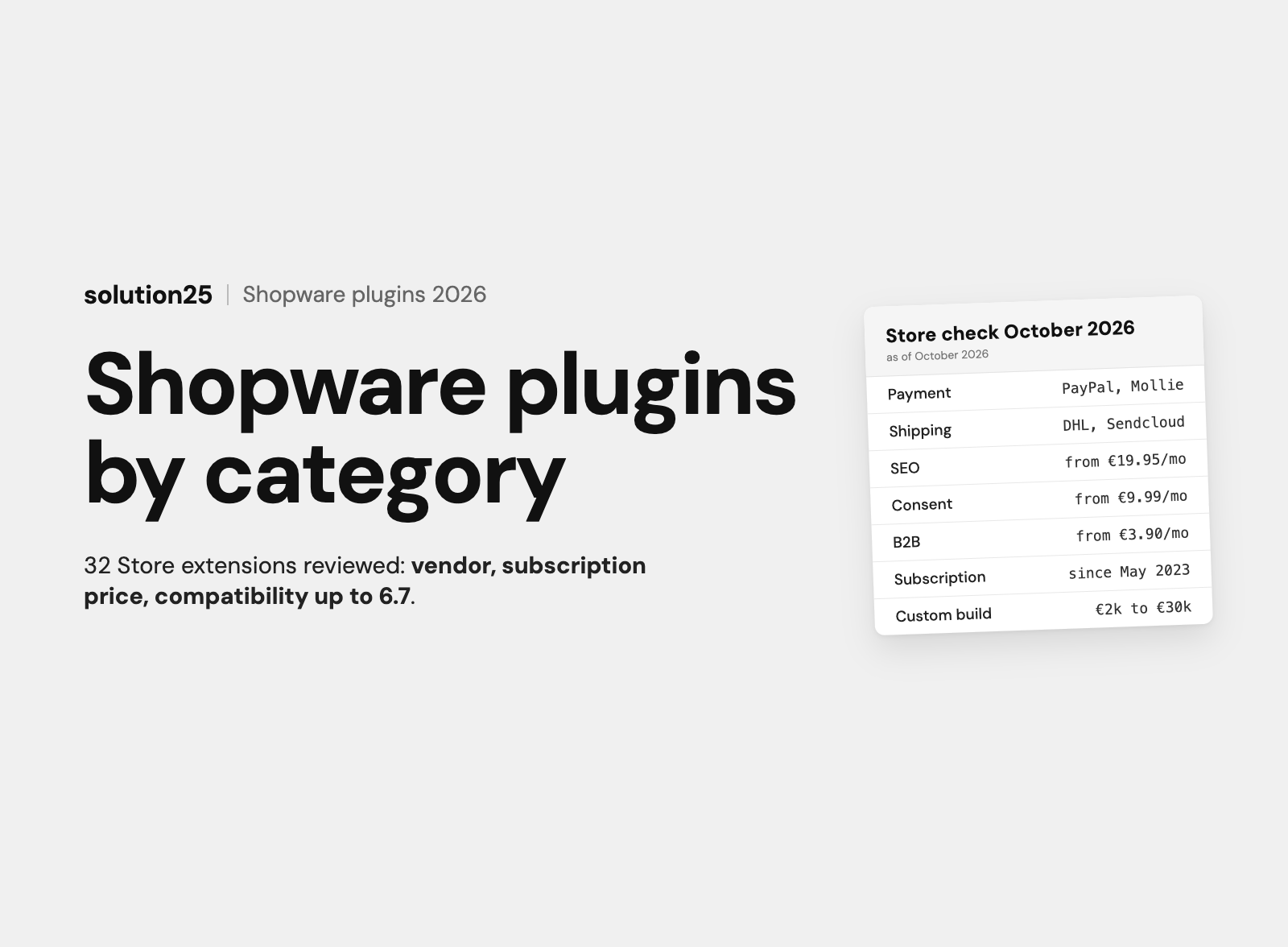
Shopware includes prepayment and invoice. PayPal is available through the Shopware extension, and for cards, Klarna, or Apple Pay you connect a payment provider through an extension. Less is more here: three or four payment methods your customers know work better than ten. Our article Shopware payment providers compared shows which providers suit which stores.
Adjust the email templates for order confirmation, shipping confirmation, and password reset. Set the invoice number range, logo, and footer for invoices and delivery notes. Customers notice these details right away.
The right order saves work: categories first, then properties, then products. If you create products first, you will reassign each one later.
Under Catalogues and Categories, you build the category tree. Two levels are enough for most stores with up to a few hundred items. Name categories the way your customers search, not the way your warehouse is organised. “Women’s shoes” works better than “Department 3”.
In Shopware, properties such as size, colour, or material are the basis for filters and for variants. Keep values consistent: either “Blue” or “blue”, never both. Shopware generates a product’s variants from its properties, for example a T-shirt in five sizes and three colours becomes 15 variants, each with its own stock level.
A product that is ready to sell needs a name, product number, price, tax rate, stock, category, images, a description, and an assignment to a sales channel. Without the sales channel assignment, the product is invisible in the storefront. This is the error we look for most often in new stores.
From about 50 products, an import pays off. Shopware includes an Import/Export function for CSV files under Settings. Export one test product first, use that file as a template, fill in ten items, and import the sample. Only when those ten are correct do you import the rest.
Hypothetical example: a retailer has 300 items, the images exist, the copy does not. Plan 15 minutes for a good product description and 5 minutes for image editing and assignment. That is 300 times 20 minutes, or 100 hours. In almost every project, this item is larger than all of the technical work combined.
Shopware comes with a default theme that is responsive and good enough as a starting point for many stores. In the theme manager you set your logo, favicon, and colours. For more design freedom there are themes in the Shopware Store, or you build your own theme.
With Shopping Experiences you build the homepage, category pages, and landing pages from sections, blocks, and elements. Start with a homepage made of a few building blocks: an image with a clear message, your main categories, a selection of bestsellers, and a short paragraph on why people should buy from you.
A new store has no reviews and no reputation yet. Trust comes from clear information: delivery time, shipping costs, returns, a contact person, and real photos. Show these points prominently on the homepage and product pages, not only in the footer. Our article on conversion optimisation for online shops explains what makes a good product page.
Set descriptive URLs, titles, and meta descriptions for categories and products. If you are moving from an old store, you need redirects from the old URLs to the new ones. Missing redirects regularly cost visibility after a relaunch.
A store may only sell once the mandatory information is in place. The following list reflects the rules for selling to consumers in the UK. It is not legal advice. It shows what has to be ready before launch in practice.
Shopware provides pages for the legal notice, privacy policy, withdrawal, and terms, and links them in the footer and checkout. Shopware does not supply the texts themselves. Many merchants use a legal text service with an integration that pushes updates automatically.
For retailers in the UK: The standard VAT rate is 20%, with a reduced rate of 5% and a zero rate of 0% for certain goods. Shopware handles several tax rates in one catalogue. Data protection follows UK GDPR and the Data Protection Act 2018. If you ship to the EU, plan for customs declarations and decide whether you collect EU VAT at checkout, for example through the Import One Stop Shop for consignments up to €150. The German legal points above apply to sales into Germany. For UK customers, have your legal texts drafted under UK law.
Before launch, go through the purchase several times from the customer’s point of view. Use the payment providers’ test mode and real devices, not just a desktop browser.
Switch payment providers from test mode to live mode, delete test orders and test customers, enable SSL for the domain, and check that search engines are allowed to index the store. Set up backups and uptime monitoring before the first ad goes live. Launch on a Tuesday or Wednesday, not on a Friday afternoon.
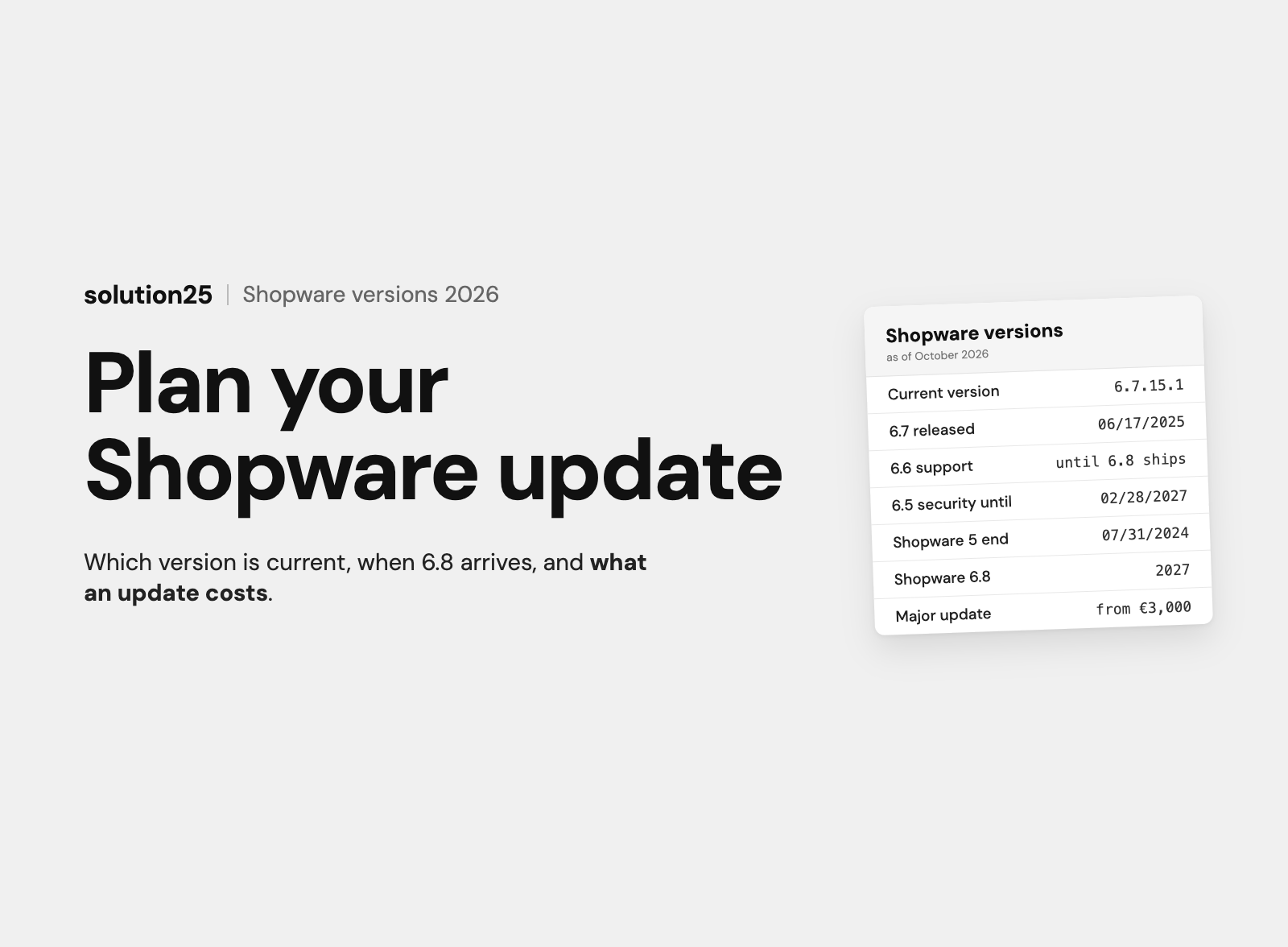
Shopware releases updates regularly. Schedule fixed dates for updates to Shopware and its extensions, always on a staging environment first. Our article on Shopware updates and versions explains how the version scheme works.
The Community Edition software costs nothing. What you pay for is the path to a finished store, either with your own time or with money. There are three common routes.
You pay for hosting, the domain, legal texts, and possibly a theme and extensions. On top of that comes your time. Our experience from projects: even with good preparation, a simple store with up to 100 products takes several weeks of work, spread across technology, content, and testing. This route pays off if you bring the skills or want to learn them.
An agency handles concept, setup, design, and integrations. You pay for the project once and then for support and hosting. This route fits custom requirements, B2B features, or connections to ERP and inventory systems. What that costs and how to compare quotes is covered in How much does Shopware 6 cost? and Finding a Shopware agency.
With the store subscription, our team builds, configures, and runs your store, on Shopware, WooCommerce, or Shopify. There is no setup fee, the minimum term is 24 months, and after that the store belongs to you. Paying annually saves 10%. The Scale and Pro packages apply to stores with up to €1 million in annual revenue.
| Package | Price | Main services |
|---|---|---|
| Scale | £299 per month | Standard template with your logo and colours, 200 products created by us, payment methods and shipping set up, hosting in Germany for up to 10,000 visits per month, updates, daily backups, monitoring, support by ticket or email with a response within 2 business days at most |
| Pro | £499 per month | Everything in Scale, store design in your corporate identity, up to 500 products with variants, advanced payment and shipping rules, newsletter integration, SEO basics with redirects, hosting for up to 50,000 visits, a dedicated contact person, monthly report, phone support with a response within 1 business day at most |
| Enterprise | On request | Custom design with a UX/UI concept, more than 500 products, data and SEO migration, integrations for ERP, inventory, PIM, and marketplaces, B2B features, multiple languages, an account manager |
With Shopify, the Shopify fees come on top, and you pay them directly to Shopify. Our article Renting an online shop compares when renting beats buying. If budget is your main concern, Building an online shop on a budget shows the lower limits.
We see these mistakes in new stores again and again. Almost all of them cost more time later than they would have at the start.
The Community Edition has no licence fee. If the stores linked to your account generate more than €1 million in gross merchandise value within 365 days, Shopware requires a paid plan for continued access to the account and the Store. Hosting, extensions, and implementation cost money in any case.
Setting it up, yes, if your hosting provider preinstalls Shopware. Installing on your own server, updating, and troubleshooting require basic knowledge of PHP, databases, and the command line.
Installation takes an hour. A small store with finished product data can be ready to sell within a few weeks. Larger projects with integrations and a custom design take several months.
No, but it makes many things easier. A specialised provider supplies suitable PHP and database versions, caching, and command line access.
Yes, on a test or local installation. Shopware advises against it in a live system.
Do you want to build it yourself and need someone for the tricky parts? As a Shopware Platinum Partner based in Bremen, Germany, we have been delivering Shopware projects since 2017, and we also take on individual steps such as installation, updates, or integrations. You can read more about our work on the page Shopware agency solution25.
Would you rather receive a finished store? Then take a look at the store subscription. For an assessment of your plans, talk to us. We will tell you openly which route fits your budget and your catalogue.

Besnik Bilalli is the founder and CEO of solution25, the Shopware agency from Bremen. Before founding the agency in 2017, he built his own online store and grew it to more than 500 orders a day. Since then he has been helping merchants with Shopware projects, from the first budget to ongoing operations. He’s happy to answer questions about this article personally: get in touch.
Responsible for content and updates: Besnik Bilalli. Last updated: November 2026. Next content review: February 2027.