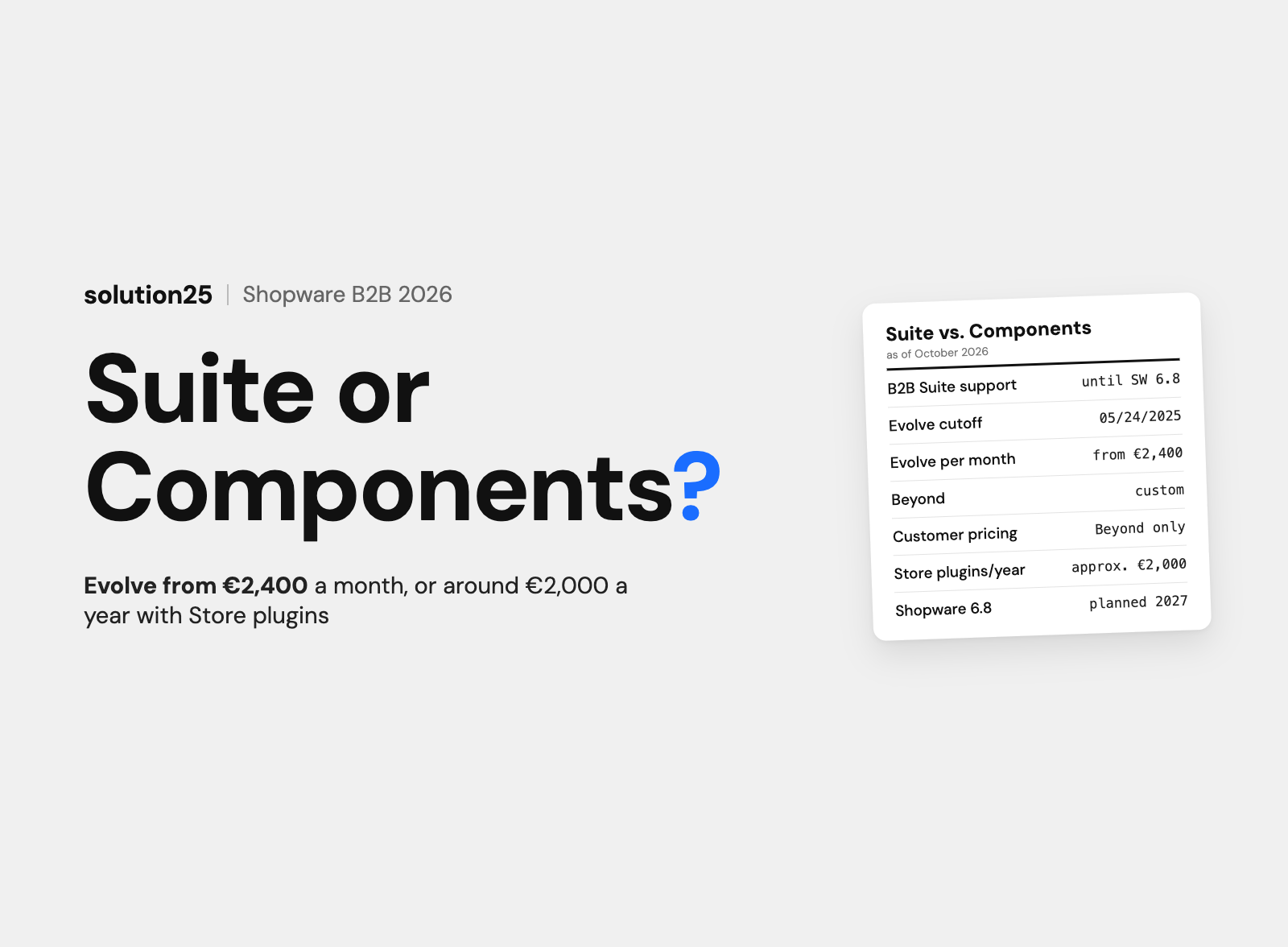

Shopware is no longer developing the B2B Suite, and support ends with Shopware 6.8. What the B2B Components in Evolve and Beyond deliver, what they cost, when Store extensions are enough, and how the migration works.
The Shopware B2B Suite is being phased out. Shopware is no longer developing it, it won’t be supported from Shopware 6.8 on, and since May 24, 2025, new Evolve customers only get the B2B Components.
The B2B Components are the successor and are part of the Evolve (from €2,400 per month) and Beyond (custom) plans. They include employee management, quotes, order approvals, quick order, shopping lists, organizational units, budgets, pricing rules, and the Sales Agent. Customer-specific prices per customer and product are only available in Beyond.
For smaller B2B stores, extensions from the Shopware Store are the cheaper alternative. Company account, quotes, quick order, and customer pricing cost around €2,000 per year together there, while Evolve costs at least €28,800 per year.
Before founding solution25, we built our own online store, and since 2017 we have been supporting Shopware projects, including B2B stores with company accounts, approval processes, and ERP integration. We have set up, extended, and by now also replaced the B2B Suite in projects.
If you run the B2B Suite, you have to migrate before updating to Shopware 6.8, and if you’re planning a new B2B store, you’re choosing between options whose license costs differ by more than a factor of ten. This article is for store owners running the B2B Suite and for ecommerce leads and executives at mid-sized companies who are planning a B2B store on Shopware.
After reading it, you’ll be able to decide whether the B2B Components, Beyond, or extensions from the Store fit your business customers, and plan the migration from the Suite with a timeline and budget. All prices as of October 2026, excluding VAT.
For years, the B2B Suite was Shopware’s solution for business customers with multiple buyers. It came as a standalone extension and was tied to the Evolve plan or higher.
The Suite models a company account as a debtor. The most important features according to the Shopware documentation:
The B2B Suite documentation contains two notes. First: the Suite is no longer being developed, and new features only appear in the B2B Components. Second: from Shopware 6.8 on, the B2B Suite will no longer be supported.
There is also a cutoff date: if you signed your Evolve plan (or higher) by May 23, 2025, you can keep installing the Suite. Since May 24, 2025, only the B2B Components have been available in Evolve and Beyond.
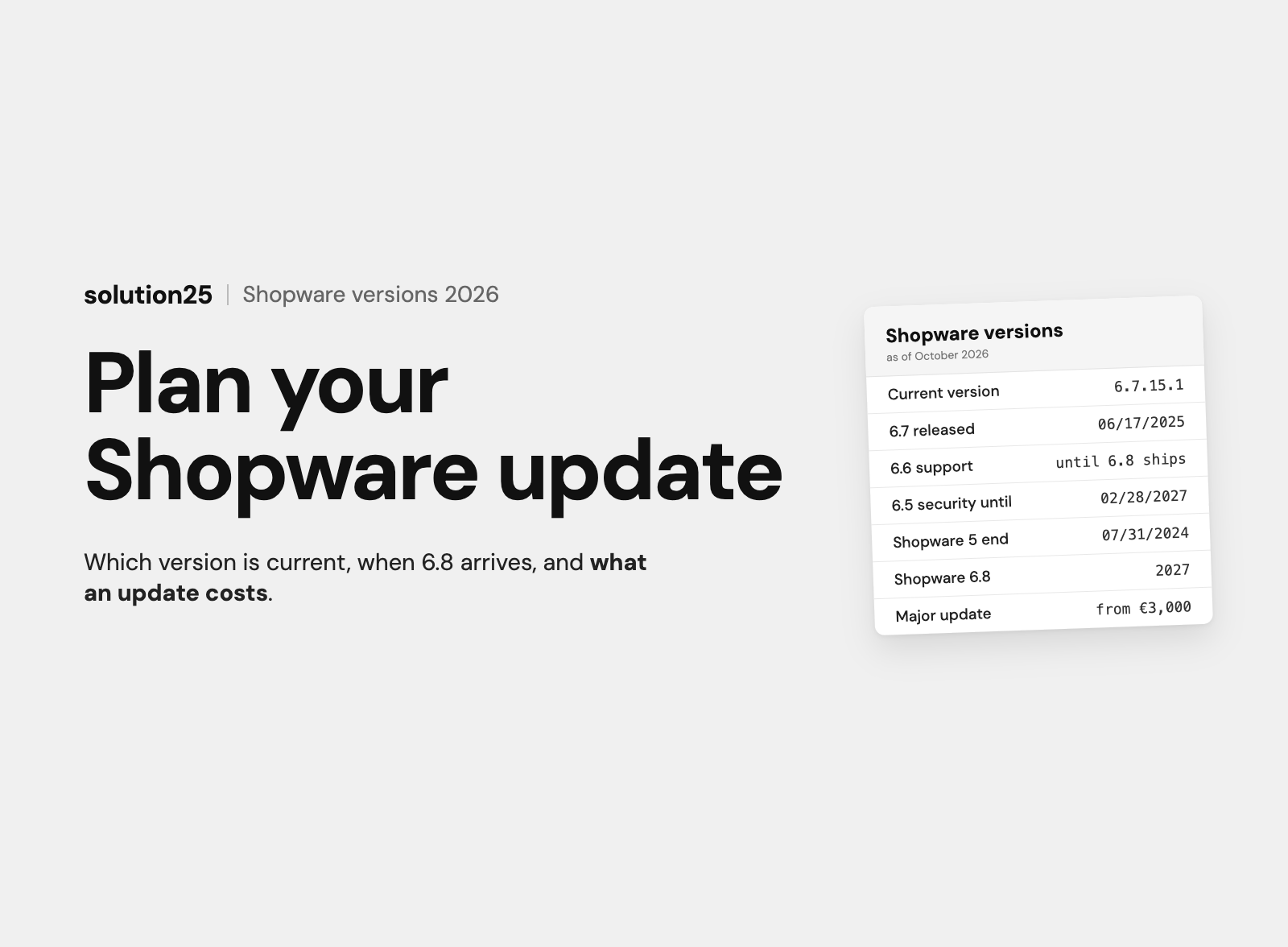
Shopware 6.8 was originally announced for 2026. In November 2025, Shopware pushed the date to 2027, without naming a month. Until then, Shopware 6.7 remains the current version, and according to Shopware, 6.6 receives extended support until 6.8 is available (endoflife.date lists February 28, 2028).
For store owners, this means: the Suite keeps running on 6.7 but gets no new features, and the update to 6.8 isn’t possible without a migration. If you postpone the switch to 2027, you’ll be doing it under time pressure alongside a major update.
Our take: Complete the switch to the B2B Components while still on Shopware 6.7, and keep the update to 6.8 separate. We recommend this because two major construction sites in one release window is the most expensive scenario: errors can then be attributed neither clearly to the migration nor to the update.
The B2B Components aren’t a plugin from the Store but part of the Shopware Commercial extension, which is unlocked with an Evolve or Beyond plan. Unlike the Suite, they can be activated individually, per customer or as a default for a customer group.
The following overview summarizes the B2B Components documentation and Shopware’s pricing page.
| Component | What it does | Available since | Plan |
|---|---|---|---|
| Employee management | Business customers invite employees, assign roles with permissions, and deactivate accounts | Shopware 6.5.6.0 | Evolve |
| Quick order | Item number and quantity via form or CSV upload into the cart or a shopping list | Shopware 6.5.4.0 | Evolve |
| Order approvals | Rules for which role approves which role’s orders, with conditions from the Rule Builder | Shopware 6.5.8.0 | Evolve |
| Quote management | Customer requests from the cart, merchant edits line items, discounts, and shipping, sets an expiration date, and both sides comment | no version stated | Evolve |
| Shopping lists | Saved lists, also as an order suggestion from the merchant, can be duplicated and moved to the cart | Shopware 6.6.3.0 | Evolve |
| Organizational units | Locations, departments, or cost centers, nestable, with their own employees, addresses, and payment and shipping methods | no version stated | Evolve |
| Advanced product catalogs | Enable categories and products per organizational unit; restricted pages return a 404 page | no version stated | Evolve |
| Budgets | Spending limits per unit and period, approval when exceeded, email at a threshold | Shopware 6.7.4.0 | Evolve |
| Individual prices (pricing rules) | Percentage, fixed, or tiered discounts and fixed prices for organizational units or customer tags | Shopware 6.7.8.0 | Evolve |
| Sales Agent | Standalone application for field sales with customer list, orders, and quotes on behalf of the customer | Shopware 6.5.0.0 | Evolve |
| Customer-specific prices | Individual price per customer and product with tiers, maintained exclusively via API | no version stated | Beyond |
| Digital Sales Rooms, Multi-Inventory | Digital sales rooms and inventory management across multiple locations | no version stated | Beyond |
The business customer manages their employees themselves in the storefront. Roles bundle permissions for employee management, role management, orders, quotes, and approvals.
Organizational units map the customer’s structure: branches, departments, cost centers. Each unit gets its own addresses, payment and shipping methods, its own product catalog, and its own budget. An employee can belong to several units and switches context without logging in again.
The quote process runs entirely in the system: the customer creates a draft from the cart and sends it with a message. The merchant edits line items, discounts, and shipping costs, attaches a document, and sets an expiration date. Status, comments, and history remain visible to both sides.
Order approvals work via approval rules per role. Because the rules can use conditions from the Rule Builder, approvals can be tied to cart value, payment method, or product category.
Budgets apply per organizational unit, with a start and end date and optional weekly, monthly, quarterly, semi-annual, or annual renewal. Once the budget is used up, the order goes into approval, and notifications can be triggered at a percentage or a date.
The individual prices available since Shopware 6.7.8.0 are pricing rules: a percentage discount, a fixed reduction, a fixed final price, or quantity tiers for an organizational unit or a customer tag. We describe what to keep in mind in our article on pricing rule logic in Shopware.
According to the documentation, the Sales Agent isn’t an extension you can install in the Administration but a standalone frontend application based on Nuxt. The agency or administrator gets the source code via a GitLab repository, builds the application, and runs it on its own domain, connected to the store.
Field sales reps see their assigned customers there, open orders, create orders, and create quotes with an expiration date and document. Plan for separate effort to build, host, and maintain this second application.
The most important difference isn’t a single feature but the architecture: the Suite is a closed package with its own data model, while the Components are modules in the Shopware core that evolve with every release.
| Feature | B2B Suite | B2B Components |
|---|---|---|
| Company account with sub-accounts | Debtor with contacts | Business customer with employees |
| Roles and permissions | Hierarchical with inheritance | Per role, separate per organizational unit |
| Organizational structure | Only via roles | Nested organizational units |
| Budgets | Yes, with approval | Yes, since 6.7.4.0, per unit |
| Contingents (order value, line items, frequency) | Yes | No dedicated feature; the permissions for them are mapped to approval rules during migration |
| Order approvals | When budget or contingent is exceeded | Rule-based per role, with Rule Builder conditions |
| Quick order | Form, CSV, XLS, XLSX | Form and CSV |
| Order lists | Yes, with CSV export | Shopping lists, also as a merchant suggestion |
| Quotes | Request with requested discount, merchant edits | Full process with status, comments, documents, expiration date |
| Customer’s own item numbers | Yes, with import and export | Not included in the documentation |
| Statistics in the customer account | Yes, with export | Not included in the documentation |
| Product catalog per customer | Only indirectly via contingent rules | Advanced product catalogs per organizational unit |
| Field sales | Role in the storefront | Sales Agent as a separate application |
| Individual prices | Via customer groups and Rule Builder | Pricing rules since 6.7.8.0, customer-specific prices in Beyond |
| Development | Discontinued | Ongoing, with every Shopware release |
| Support | Ends with Shopware 6.8 | Part of Shopware Commercial |
Three things from the Suite don’t appear in the Components documentation: contingents as a standalone limit, customer-owned item numbers, and statistics in the customer account. Contingents can usually be recreated as an approval rule. For customer-owned item numbers there are extensions in the Store, and for reporting there’s the export from the Administration or an ERP integration.
If you use any of these features heavily, clarify that before the migration. In our experience, it’s rarely more than one or two features that a customer really needs every day.
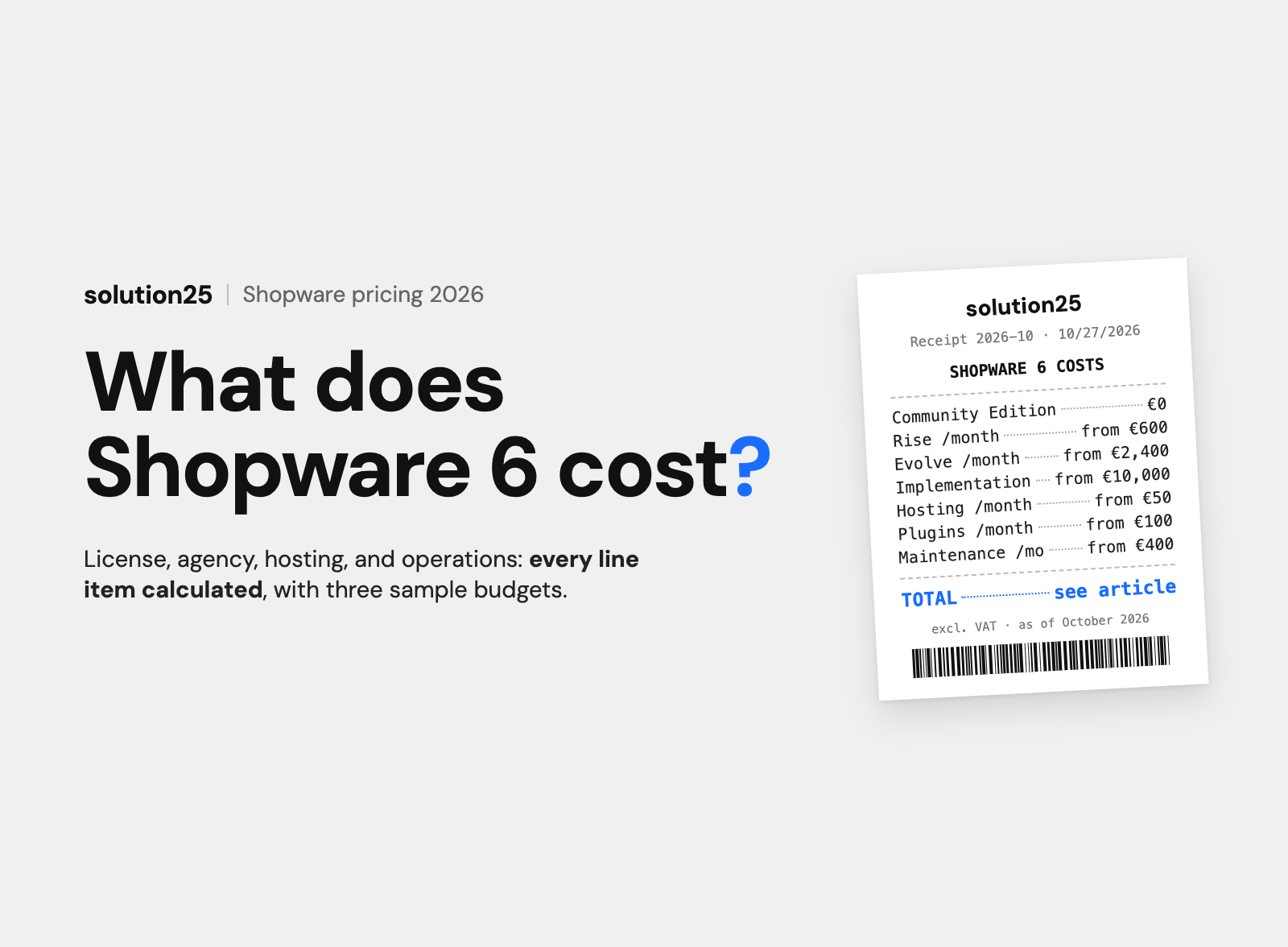
The B2B Components can’t be purchased individually. They come with the plan, and according to the official pricing page, the plan costs at least €2,400 per month. The actual price depends on merchandise revenue (GMV) and other factors, so the amounts are starting prices.
| Plan | Price | B2B features | Support |
|---|---|---|---|
| Community Edition | €0, up to €1M GMV | No B2B Components, B2B only via extensions from the Store | Community |
| Rise | from €600 per month | No B2B Components | 8-hour response time, Mon to Fri |
| Evolve | from €2,400 per month | All B2B Components: roles and permissions, quotes, approvals, quick order, shopping lists, organizational units, product catalogs, budgets, pricing rules, Sales Agent | 4-hour response time, Mon to Fri |
| Beyond | custom | Additionally customer-specific prices, Digital Sales Rooms, inventory management across multiple locations | 24/7, response time 1 hour |
Evolve costs at least €28,800 per year. On top of that come implementation, hosting, extensions, and support, as we break down in our article on Shopware pricing. A B2B project with Evolve, ERP integration, and custom pricing logic realistically comes to €150,000 to €200,000 in year one.
The terms sound similar but mean two different features. The pricing rules in Evolve discount products or product ranges for an organizational unit or a customer tag, as a percentage, a fixed amount, or in tiers.
According to the documentation, customer-specific prices in Beyond store an individual price per customer and product, including tiers and currencies, exclusively via the API. There’s no admin module for it. The feature is meant for merchants who transfer price lists from the ERP for hundreds of customers.
If you need customer pricing without Beyond, you have two options: an extension from the Store or custom development. Our own extension for quotes and customer-specific prices in Shopware 6 grew out of exactly this need.
Not every B2B store needs organizational units with budgets and a Sales Agent. A wholesaler with 200 business customers, each with one to three buyers, often gets by with a company account, a quote feature, quick order, and customer pricing.
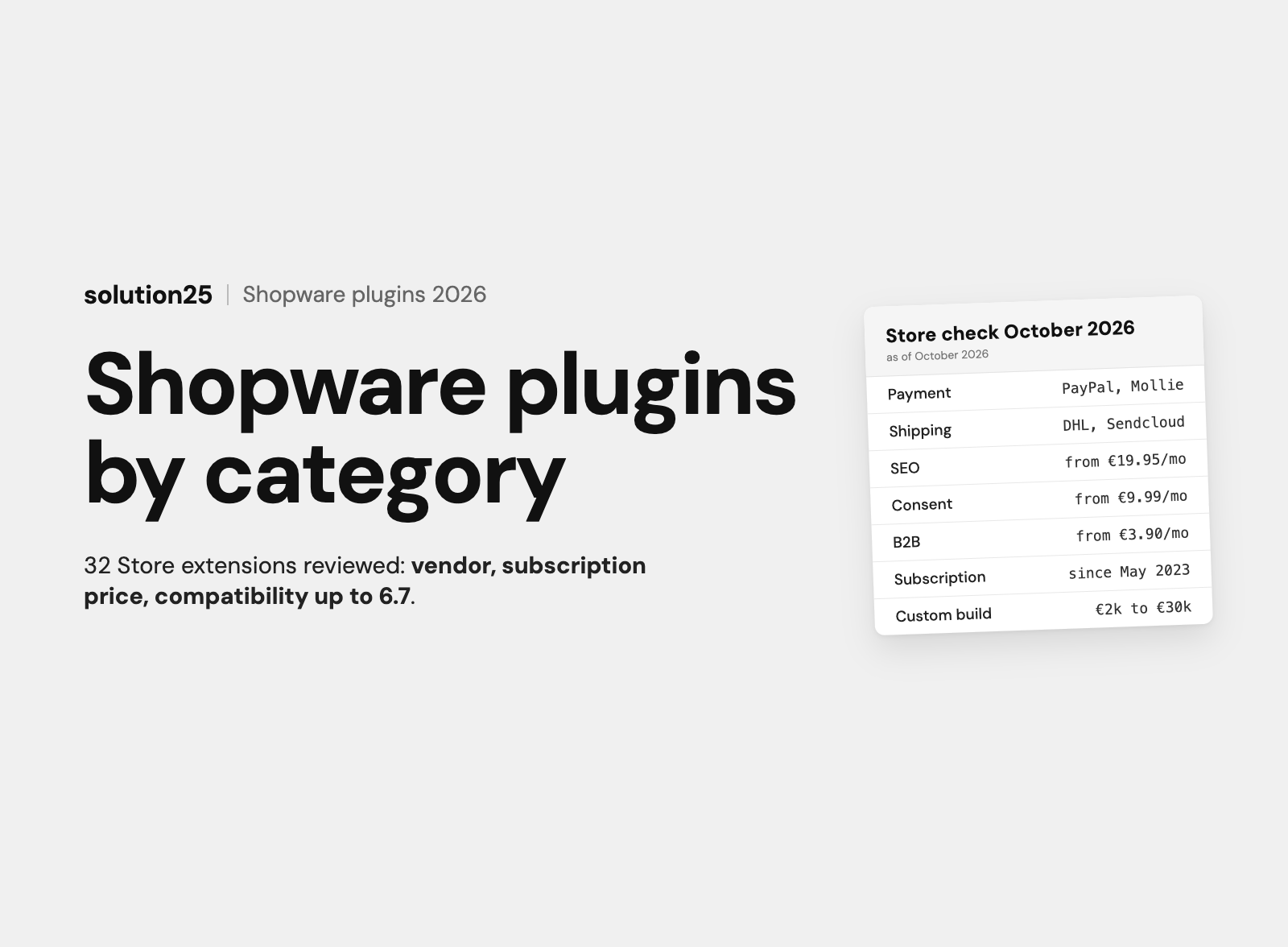
The B2B extensions category in the Shopware Store lists around 145 extensions. The following cover the core requirements and are compatible with Shopware 6.7. Prices come from the vendors’ Store pages.
| Requirement | Extension (vendor) | Price |
|---|---|---|
| Company account, employees, roles, approvals | B2B Debitoren & Kontakte (ACRIS E-Commerce GmbH) | €49.99 per month or €499 per year |
| Employee logins with roles | B2B Login (VIOSYS AG) | €82.90 per month or €845.58 per year |
| Order approvals | B2B Workflow (VIOSYS AG), requires B2B Login | €33.90 per month or €345.78 per year |
| Quotes with acceptance in the customer account | Individuelles Angebot (PremSoft) | €89.99 per month, cheaper with an annual subscription |
| Quick order | Quick-Order / Schnellbestellung (blackpoint GmbH) | €13.90 per month or €139 per year |
| Customer-specific prices | Kundenspezifische Preise (ACRIS E-Commerce GmbH) | €29.90 per month or €299 per year |
| Field sales orders on behalf of customers | Verkäufer bestellen für Kunden (digitvision) | €39 per month or €399 per year |
| Customer’s own item numbers | Kundenspezifische Artikelnummern (ACRIS E-Commerce GmbH) | from €16.58 per month |
A package of B2B Debitoren & Kontakte (€499), Individuelles Angebot (12 × €89.99), Quick-Order (€139), and Kundenspezifische Preise (€299) costs around €2,000 per year. If the store stays under €1M in merchandise revenue, it runs on the Community Edition with no license fee.
Above that, Rise becomes due, and the math is then around €7,200 plus €2,000, so about €9,200 per year. Evolve costs at least €28,800 per year. The difference of around €19,600 per year funds quite a bit of development if an extension ever falls short.
Outside the Store, the B2Bsellers Suite is a complete package from a third-party vendor that runs with the Community Edition and all plans and is licensed directly from the vendor. On its comparison page, the vendor lists starting prices from €249 per month for the Starter Edition, and €399 elsewhere. Only the individual quote is binding.
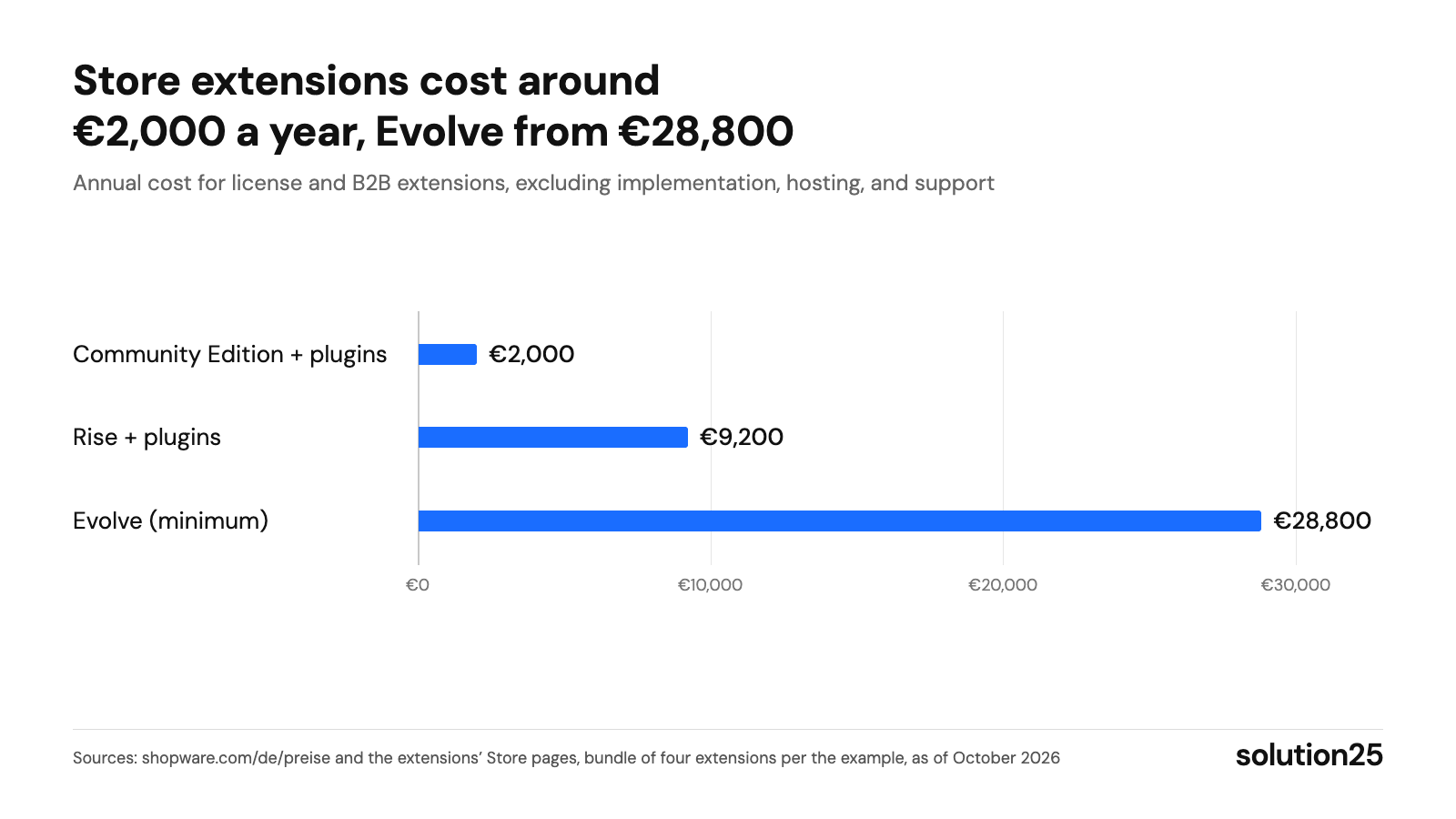
Figure: As long as company account, quotes, quick order, and customer pricing are enough, Store extensions are significantly cheaper; only organizational units, budgets, and the Sales Agent justify the premium for Evolve. Sources: shopware.com/de/preise and the extensions’ Store pages, package of four extensions per the example calculation, as of October 2026
For the migration, Shopware provides migration documentation and a console tool. The migration copies the Suite’s data into the Components but doesn’t delete anything in the Suite. Both systems therefore exist in parallel until you deactivate the Suite.
According to the project report, we developed a central portal with role-based order management for a German logistics client, connected to SAP for inventory, HubSpot for customer management, and Shopware for ecommerce-related warehouse tasks. Before that, users had to navigate through several portals, resulting in errors and delayed order processing.
It started with workshops with the client’s teams. These produced permissions that give each user group access only to the information and functions relevant to them, plus audit logs for traceability. According to the report, orders have since been processed faster and with fewer errors, and duplicate data entry has been eliminated.
The portal is custom development, not an installation of the B2B Components. But the approach carries over to any Suite migration: define roles, approvals, and budgets with the future users before setting them up in the system.
From our projects: a store that uses the Suite without deep customizations needs four to eight weeks for analysis, test migration, follow-up work, and acceptance. With custom Suite extensions and ERP integrations, that becomes two to four months.
The budget is accordingly €10,000 to €20,000 for the simple case and €30,000 to €60,000 with custom development. These figures are based on experience, not quotes, and they assume a thorough inventory.
The data comes from the order overview and customer accounts in the Shopware admin, your customer service ticket system, and the ERP integration’s error log. Measure weekly for the first eight weeks, then monthly.
The decision depends on three factors: merchandise revenue, the complexity of your customers’ purchasing organization, and where your prices come from. The following scenarios cover most of the inquiries we receive.
A rule of thumb from our projects: as soon as the running costs for extensions and their maintenance exceed €1,000 per month, or three plugins manage the same customer data, Evolve becomes cost-effective. Below that, Store extensions are almost always cheaper.
No. Shopware has stopped development, and new features only appear in the B2B Components. From Shopware 6.8 on, the Suite will no longer be supported, and since May 24, 2025, new Evolve customers only get the Components.
The license for the B2B Components costs at least €2,400 per month with Evolve, or €28,800 per year. Including implementation, ERP integration, hosting, and support, a B2B project comes to €150,000 to €200,000 in year one. In our experience, a small B2B store with the Community Edition and Store extensions gets by with around €2,000 per year for extensions and €20,000 to €40,000 for implementation.
No. According to the pricing page, Rise doesn’t include the B2B Components. They’re available from Evolve, while customer-specific prices, Digital Sales Rooms, and inventory management across multiple locations are only in Beyond.
Employee management, quick order, and order approvals have been available since Shopware 6.5, shopping lists since 6.6.3.0, budgets since 6.7.4.0, and pricing rules since 6.7.8.0. If you want the full scope, you should be on a current Shopware 6.7, whose security updates run until February 28, 2028.
Pricing rules (Evolve) discount product ranges for organizational units or customer tags, as a percentage, a fixed amount, or in tiers. Customer-specific prices (Beyond) store an individual price per customer and product, are maintained only via the API, and are meant for price lists from the ERP.
B2B stands for business-to-business, meaning selling to business customers with net prices, invoice payment, and several buyers per customer. B2C stands for business-to-consumer, selling to end customers. Shopware can handle both in one installation, via separate sales channels and customer groups.
By reference projects with approval processes and ERP integration, by a partner status with Shopware, and by the agency recommending a Store extension instead of Evolve when that’s enough. Ask specifically how many B2B Suite migrations the team has already completed and how it handles contingents and customer-owned item numbers.
On Shopware 6.7, the Suite keeps running, without new features. With the update to Shopware 6.8, planned for 2027, support ends. At the latest then you’ll have to migrate, or you’ll stay on a version that’s no longer being developed.
Running the B2B Suite and want to know what the migration would cost in your case? Or planning a new B2B store and unsure whether Evolve, Beyond, or Store extensions fit? Get in touch, and we’ll review your requirements and tell you which option makes economic sense. Our services page details what we deliver in Shopware B2B projects.
Already have a B2B store on Shopware? Our free store audit shows where your business customers drop off today and which B2B features would have the biggest impact.
Learn more about how we work, our certifications, and our locations on the Shopware agency solution25 page.

Besnik Bilalli is the founder and CEO of solution25, the Shopware agency from Bremen. Before founding the agency in 2017, he built his own online store and grew it to more than 500 orders a day. Since then he has been helping merchants with Shopware projects, from the first budget to ongoing operations. He’s happy to answer questions about this article personally: get in touch.
Responsible for content and updates: Besnik Bilalli. Last updated: October 2026. Next content review: January 2027.