


The PayTrace Payment Plugin is a powerful and fully integrated payment solution designed to bring secure, reliable, and efficient credit card and ACH transaction processing directly into your Shopware 6 store. Built to simplify online payments while maintaining the highest security standards, this plugin enables merchants to offer a seamless checkout experience for their customers without relying on external payment pages. With advanced tokenization technology, built-in fraud protection, and comprehensive administrative control, PayTrace empowers businesses to handle transactions safely, reduce risk, and increase overall conversion rates.
Developed with both merchants and customers in mind, the PayTrace Payment Plugin supports a wide range of payment methods and processing features that enhance flexibility and usability. It allows for secure one-time payments as well as convenient saved-card transactions, making repeat purchases faster and more user-friendly. The plugin integrates smoothly into the native Shopware checkout process, ensuring a consistent and professional shopping experience. Additionally, merchants gain full visibility over all payment activities, with detailed transaction logs, refund capabilities, and real-time status updates available directly within the Shopware admin panel. Whether you are running a small online store or a large-scale e-commerce platform, the PayTrace Payment Plugin provides the tools needed to manage payments efficiently and with confidence. Its robust functionality, security-focused architecture, and easy configuration make it an essential addition for any Shopware 6 merchant looking to streamline payment operations and deliver a trustworthy, high-performance checkout experience.
Our platform provides Secure Payment Processing, allowing businesses to accept Visa, MasterCard, AMEX, Discover, and ACH transactions with confidence. Through advanced Tokenization, customer payment details are securely stored, enabling faster and safer future purchases. The Saved Cards feature allows customers to reuse previously stored payment methods for quick repeat purchases, improving checkout convenience and user experience. With complete Admin Panel Integration, merchants can easily configure API credentials, manage transaction settings, and view detailed payment logs directly within the Shopware admin interface. The system supports the Full Transaction Lifecycle, including payments, refunds, and voids, with all actions recorded and accessible in order details. Built for global commerce, the solution offers Multi-Currency Support, making it easy to accept payments in various currencies for expanded international reach.
Security is a top priority, and the platform fully meets PCI DSS Compliance requirements to ensure strict protection of payment processing and customer data. Thanks to Flexible Configuration, merchants can switch between sandbox or live PayTrace environments and enable or disable specific payment types per Sales Channel. The checkout process is fully Mobile & Desktop Optimized, delivering a responsive and smooth experience across all devices. Additionally, Real-Time Status Updates ensure that payment statuses are automatically reflected in Shopware orders for accurate and up-to-date transaction management.
GitHub
1.Clone the plugin into your Shopware plugins directory:
git clone https://github.com/solution25com/paytrace-payment-shopware-6-solution25.git
composer require solution25/pay-trace
2.Install the Plugin in Shopware 6
3.Activate the Plugin
4.Verify Installation
After installing the plugin, you can configure your PayTrace credentials and options through the Shopware Administration panel.
Accessing the Configuration
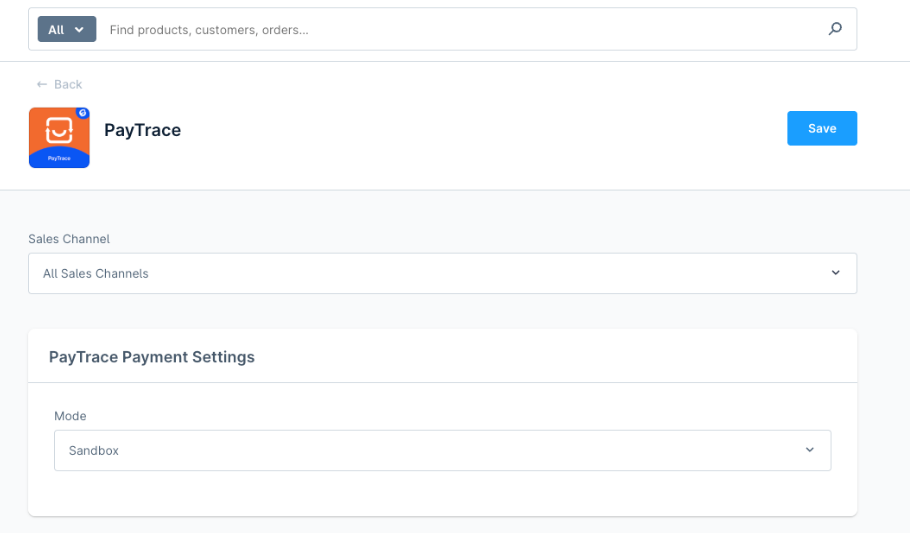
Go to Settings > Extensions > PayTrace
Select the Sales Channel you want to configure
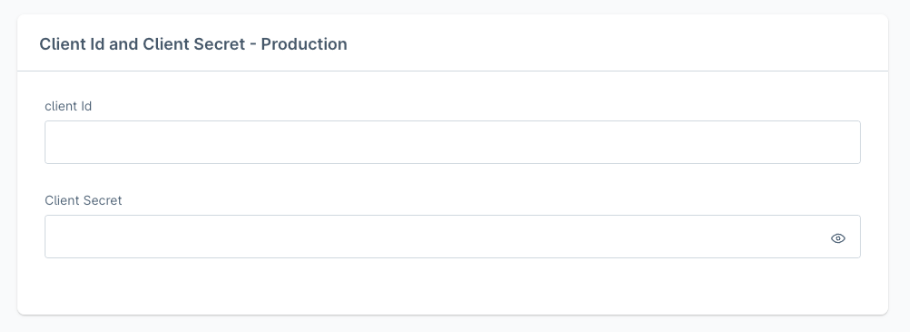
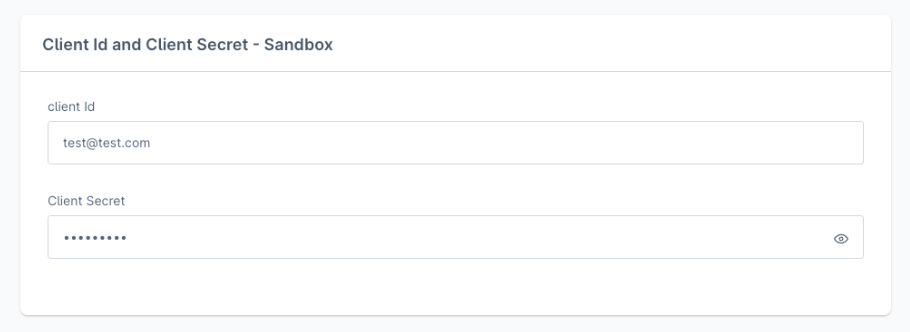
Set the following fields:
Production
Sandbox
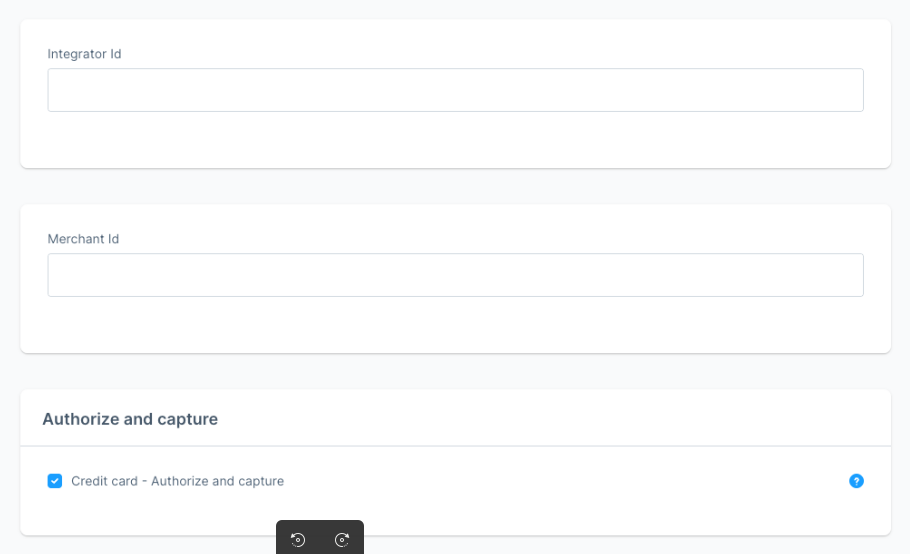
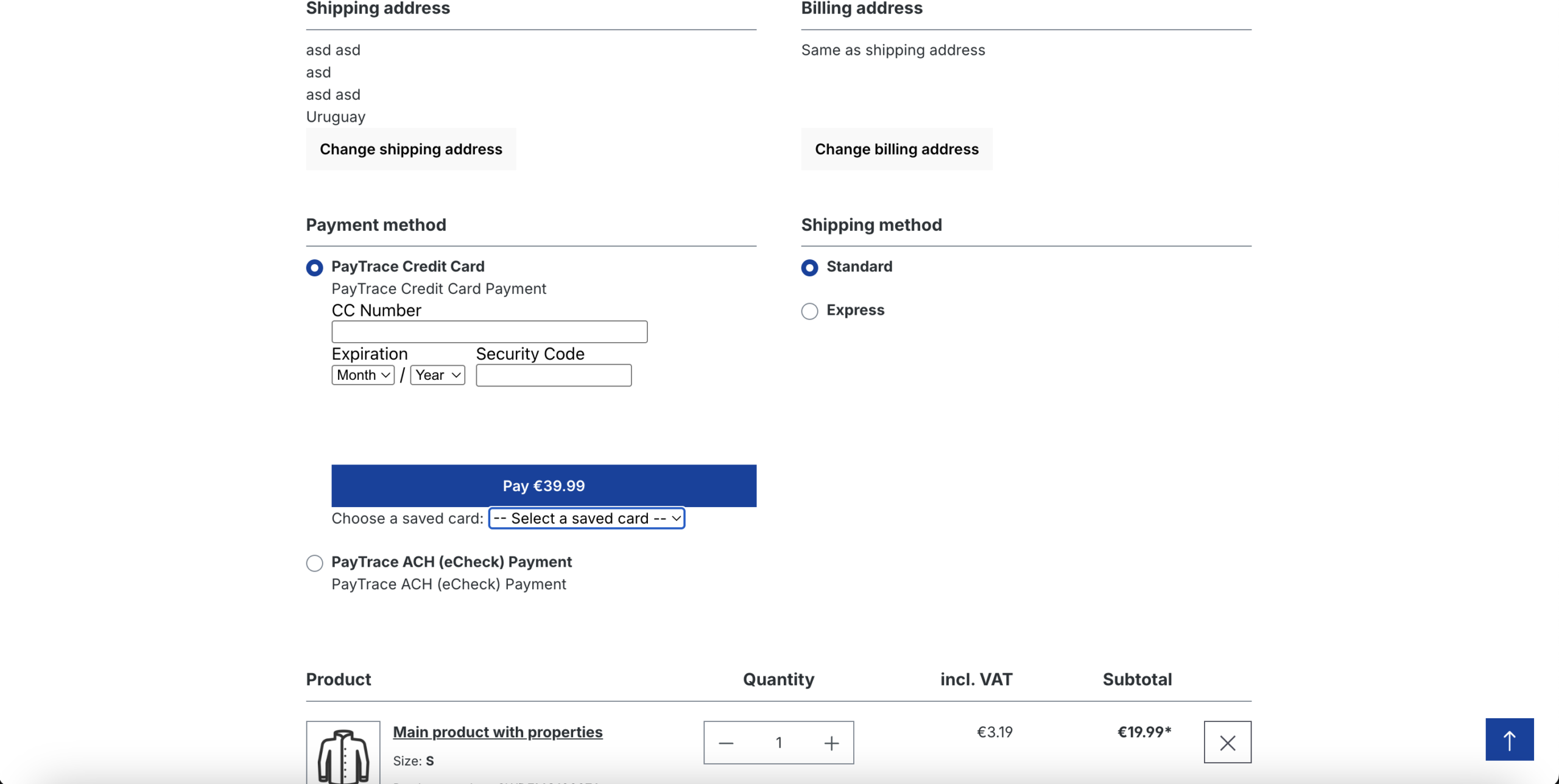
The plugin integrates seamlessly into the Shopware 6 checkout, offering a smooth and intuitive payment process. Customers can choose between Credit Card and ACH (eCheck) payment methods provided by PayTrace, directly on the checkout page.
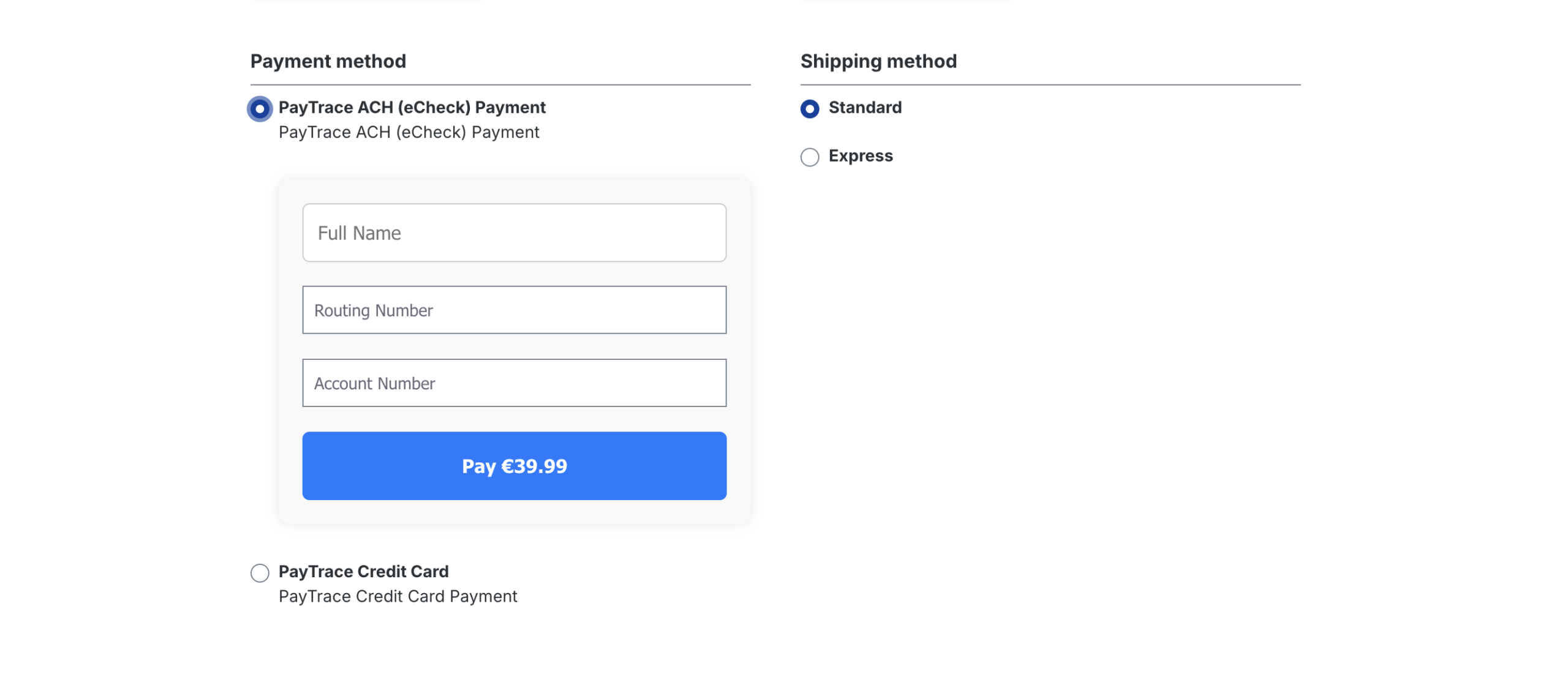
The plugin supports storing and managing saved credit cards for faster and more convenient checkouts.
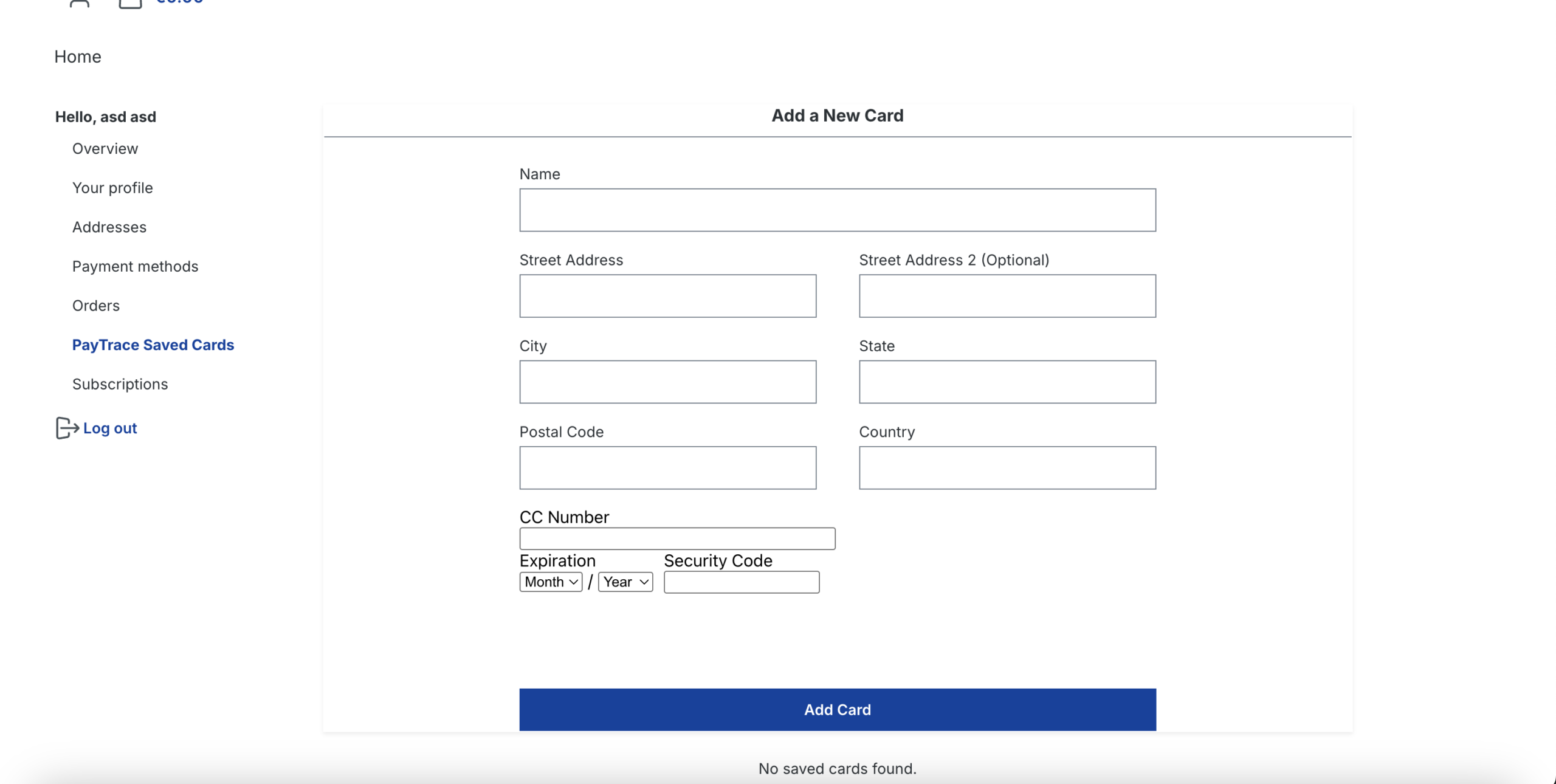
Accessing the Saved Cards
Users can manage their saved payment methods through their Account Dashboard by navigating to:
PayTrace Saved Cards
Adding a New Card
Click “PayTrace Saved Cards” to open the card form. You will be prompted to enter:
This document provides a comprehensive overview of the external PayTrace API endpoints that are utilized by the PayTrace Plugin for Shopware 6. It outlines how the plugin communicates securely with the PayTrace payment platform in order to deliver reliable and seamless payment functionality within the Shopware environment. These API endpoints are used internally by the plugin to perform a wide range of essential payment operations, including the tokenization of sensitive payment data, the processing of credit card transactions, the management of vaulted or stored customer payment methods, and the handling of ACH (eCheck) payments. By leveraging these endpoints, the plugin is able to securely transmit transaction information, retrieve real-time payment statuses, and maintain full transaction lifecycle support without exposing sensitive financial data.