The AgeChecker plugin for Shopware 6 is a powerful solution designed to help merchants enforce age verification on their online storefronts. By integrating with a trusted external age verification service, the plugin ensures that customers meet the required age criteria before they can proceed to browse products or complete a purchase.
This plugin is particularly valuable for businesses selling age-restricted products such as alcohol, tobacco, or adult content, as it provides a reliable, legally compliant layer of protection for both merchants and customers. AgeChecker is highly configurable, allowing store owners to tailor the verification process to their specific requirements, while maintaining a smooth and user-friendly shopping experience.
Seamlessly integrating with Shopware’s sales channels, the plugin automatically enforces age verification at key points in the customer journey, including product pages, the cart, and checkout. By implementing AgeChecker, merchants can reduce legal risks, improve compliance, and provide a professional and trustworthy shopping environment that reassures customers while safeguarding the business.
1.Sales Channel Integration
Add API keys per sales channel for flexible configuration.
2.Age Verification Options
Customers can verify their age by entering their date of birth.
3.Retry Management
Users have 3 attempts by default to verify their age.
4.Temporary Denial Logic
Block users temporarily after 3 failed attempts.
5.Admin Panel Configuration
Easily manage settings from the Shopware admin panel.
Installation & Activation
1.Download
git clone https://github.com/solution25com/agechecker-shopware-6-solution25.git
composer require solution25/age-checker
2.Install the Plugin in Shopware 6
3.Activate the Plugin
4.Verify Installation
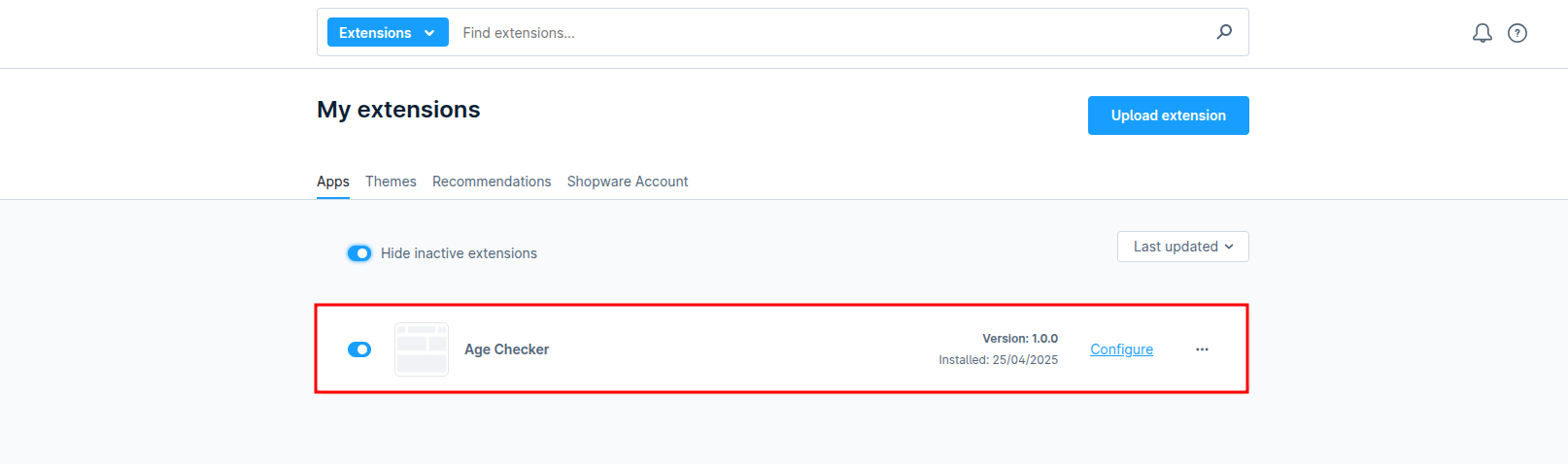
1.Access Plugin Settings
2.API Key Setup
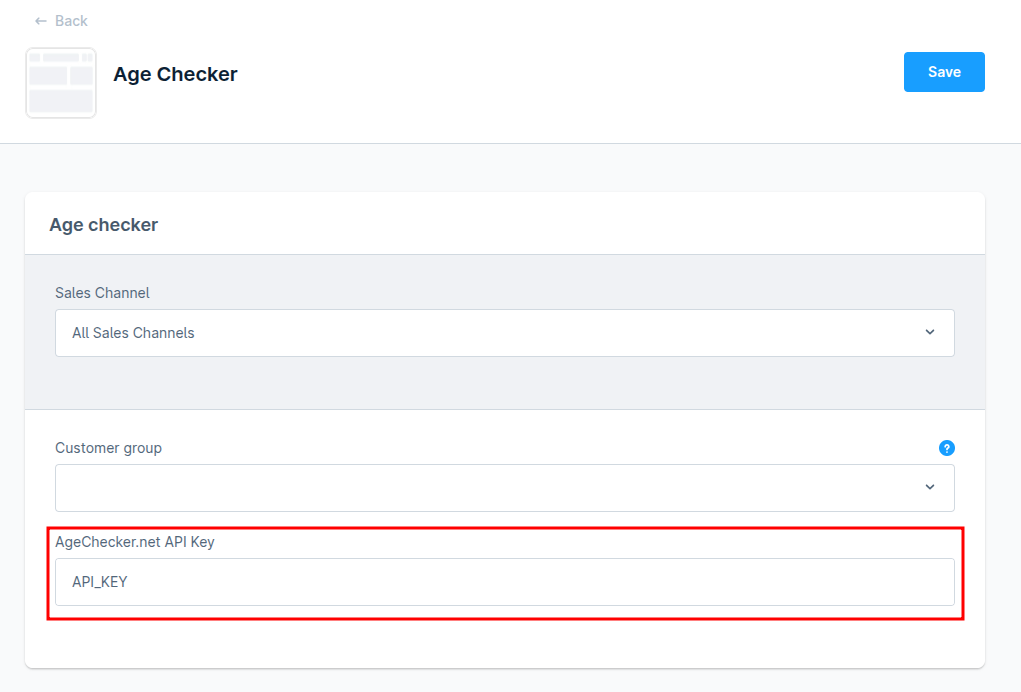
3.Save Configuration
1.User Initiates Checkout
2.Verification Attempt
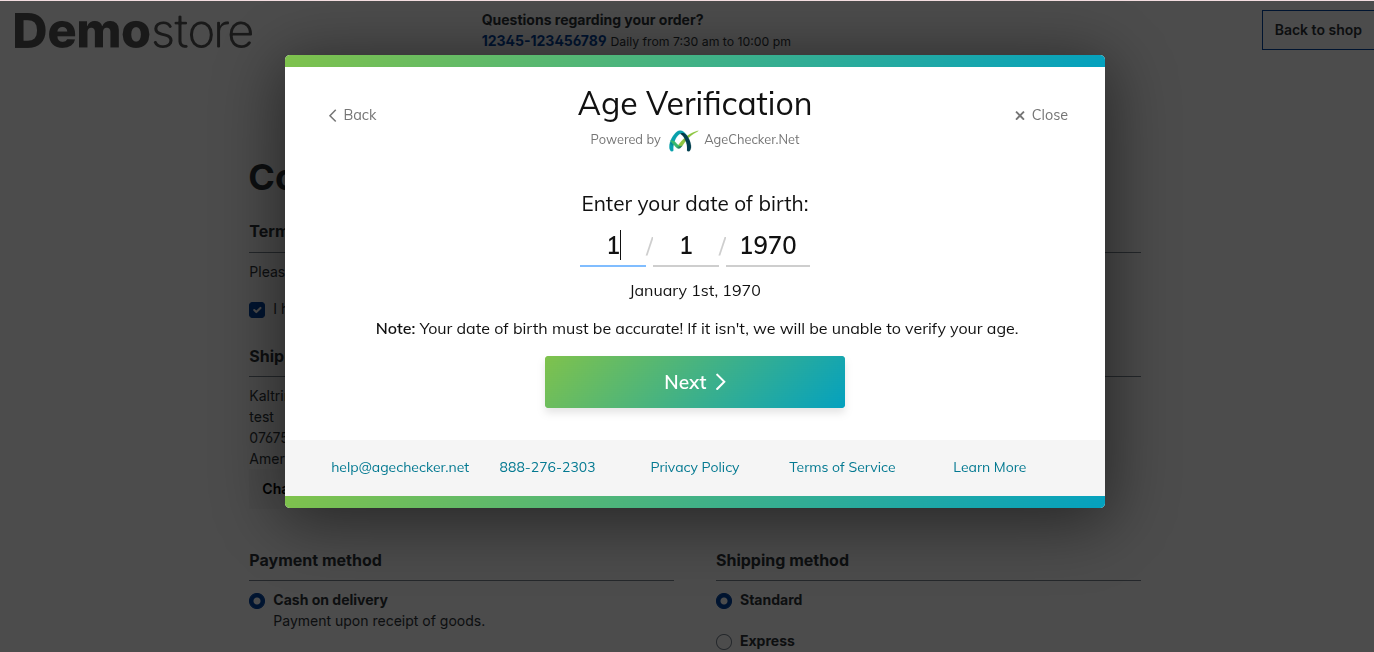
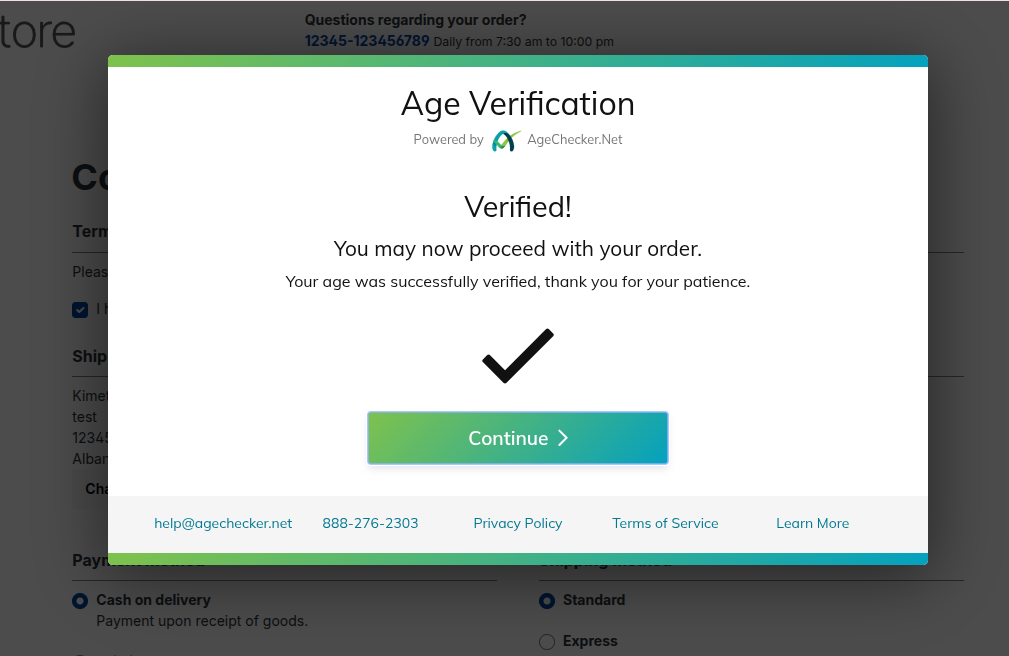
The user can retry up to 3 times.
After 3 failed attempts, the user is temporarily denied access.
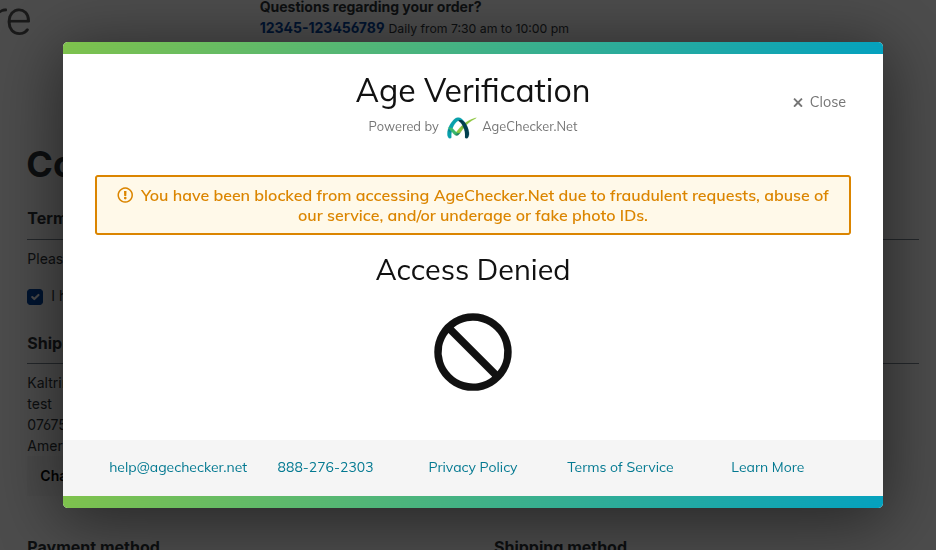
3.Temporary Denial Logic
This document provides a detailed overview of the API endpoint for the Age Checker Plugin for Shopware 6. The plugin connects your Shopware storefront with the trusted AgeChecker.net service to verify the age of customers before they gain access to age-restricted products. By integrating directly with the API, merchants can automate the age verification process and ensure that compliance requirements are consistently met.
When a customer enters their information during the checkout or account creation process, the plugin communicates with AgeChecker.net to validate the provided date of birth. The verification result is then securely stored in the customer’s custom fields within Shopware, enabling easy tracking, reporting, and further automation within the store.
Endpoint
POST /age-checker-user-status
custom_age_confirmed_
sw-context-token:
Content-Type: application/json
Note:
sw-context-token
must be obtained via the Shopware Store API authentication process or created automatically in a Storefront session.
{
  "uuid": "8e7c35e2-3f48-4fc9-9283-fb0e198b0fd5"
}
{
  "message": "Customer age verification status updated"
}
{
  "message": "uuid is required"
}
Verify Functionality
1.Is an API key required?
Yes. Without a valid API key, age verification will not function.
2.Can I limit it to certain sales channels?
Yes. You can enable or disable the plugin per sales channel.
3.Does this plugin block checkout?
Yes, until the user passes age verification.
4.What happens after 3 failed attempts?
The user is redirected to a temporary denial page and cannot retry until the timeout expires.
