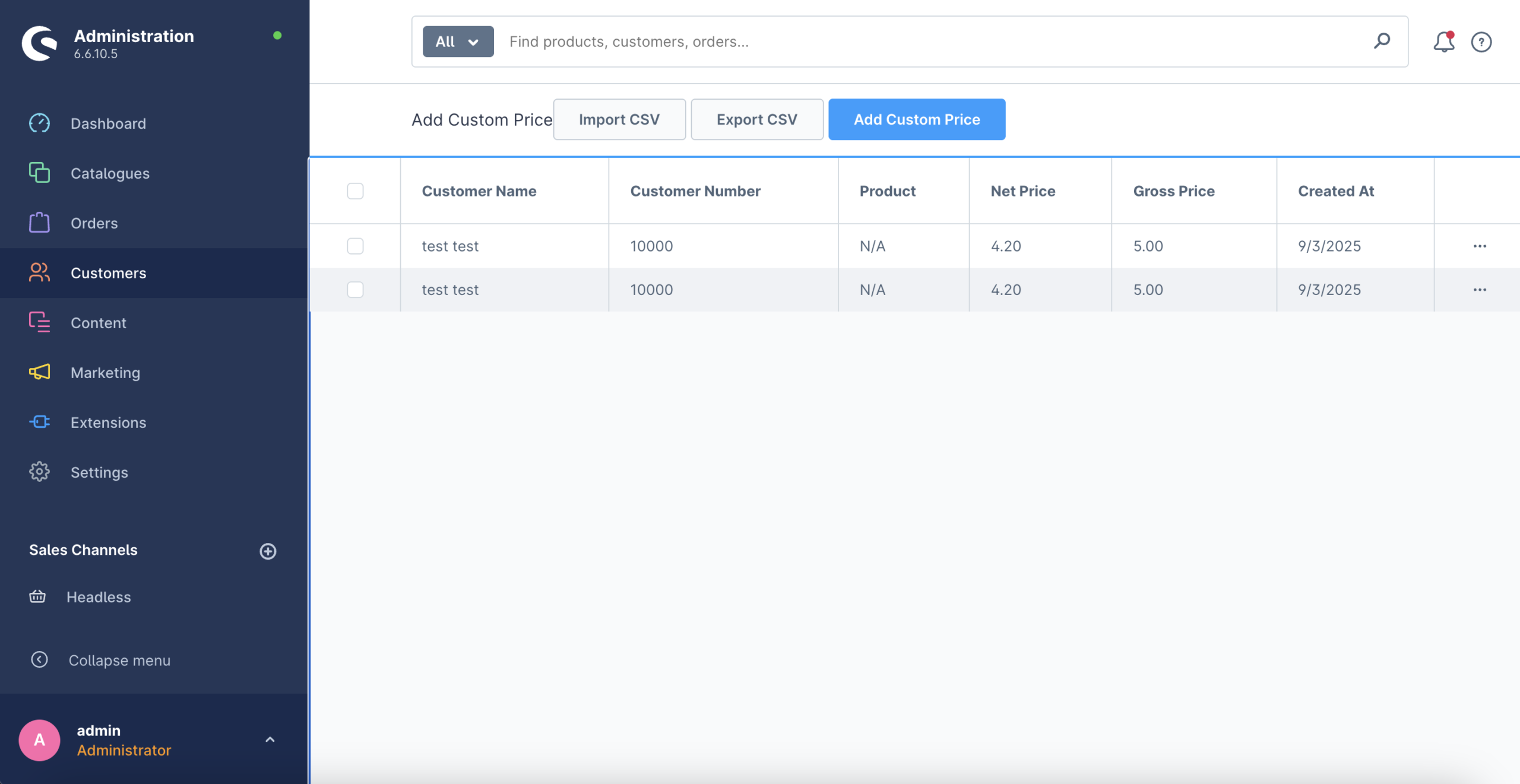
The Quotes Customer Specific Pricing Plugin allows merchants to define individual product prices for specific customers in Shopware 6.This is especially useful for B2B shops, wholesale businesses, or any merchant who requires tailored pricing agreements without altering global product prices. By enabling customer-specific pricing, businesses can offer personalized deals, loyalty discounts, or negotiated rates, improving customer satisfaction and strengthening business relationships.
With this plugin, merchants can manage all custom prices directly from the Shopware Admin panel, ensuring an intuitive and seamless workflow. Prices can also be imported or exported using CSV files, making bulk updates and integration with existing systems easy and efficient. Customers automatically see the prices assigned to them when browsing or adding items to their cart, reducing confusion and ensuring a professional, transparent shopping experience. Overall, this plugin empowers merchants to implement sophisticated pricing strategies while maintaining full control over product pricing and customer visibility.
Customer-Specific Pricing
Easy Admin Management
Import & Export via CSV
Customer Quotes Support
Clear Overview
Integration with Sales Channels
Prerequisites
Before installing and using the Quotes Customer Specific Pricing plugin, it is important to be aware of a key system requirement. This plugin is specifically designed to work with the Shopware Commercial edition and relies on features that are only available in this version of the platform. Therefore, Shopware Commercial must be properly installed and activated in your environment prior to proceeding with the installation of the plugin. Ensuring that this requirement is met in advance will prevent compatibility issues, guarantee full functionality, and allow you to manage customer-specific pricing seamlessly without interruptions. Meeting this prerequisite ensures a smooth installation process and a reliable experience when configuring and using the plugin in your Shopware 6 store.
GitHub
1.Clone the plugin into your Shopware plugins directory:
git clone https://github.com/solution25com/quotes-customer-specific-pricing-shopware-6-solution25.gitcomposer require solution25/quotes-customer-specific-pricing2.Install the Plugin in Shopware 6
3.Activate the Plugin
Use the buttons to:
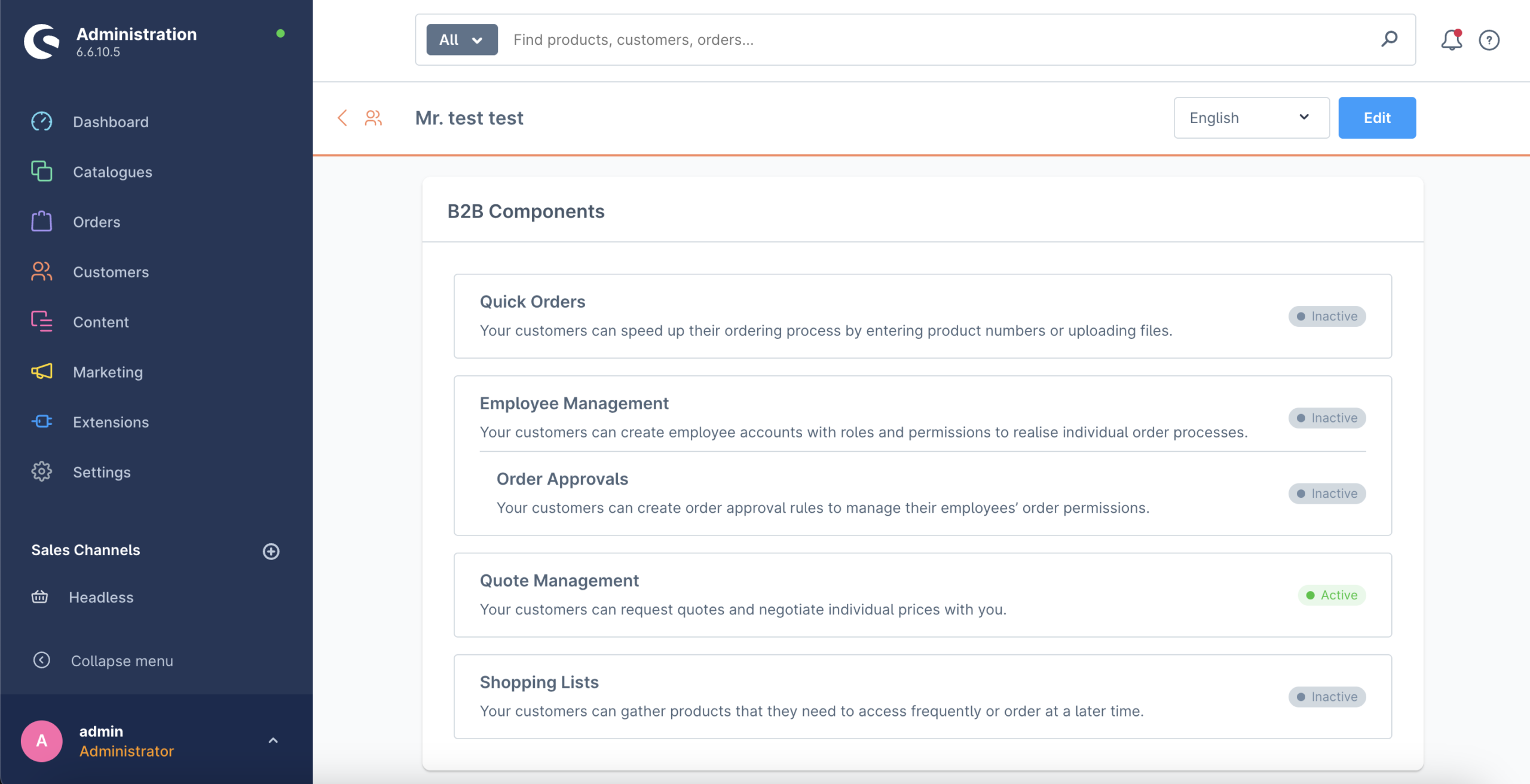
1. First we need to go to Customers -> Overview -> Select a Customer (ex. test,test) -> B2B Components and activate Quote Menagment
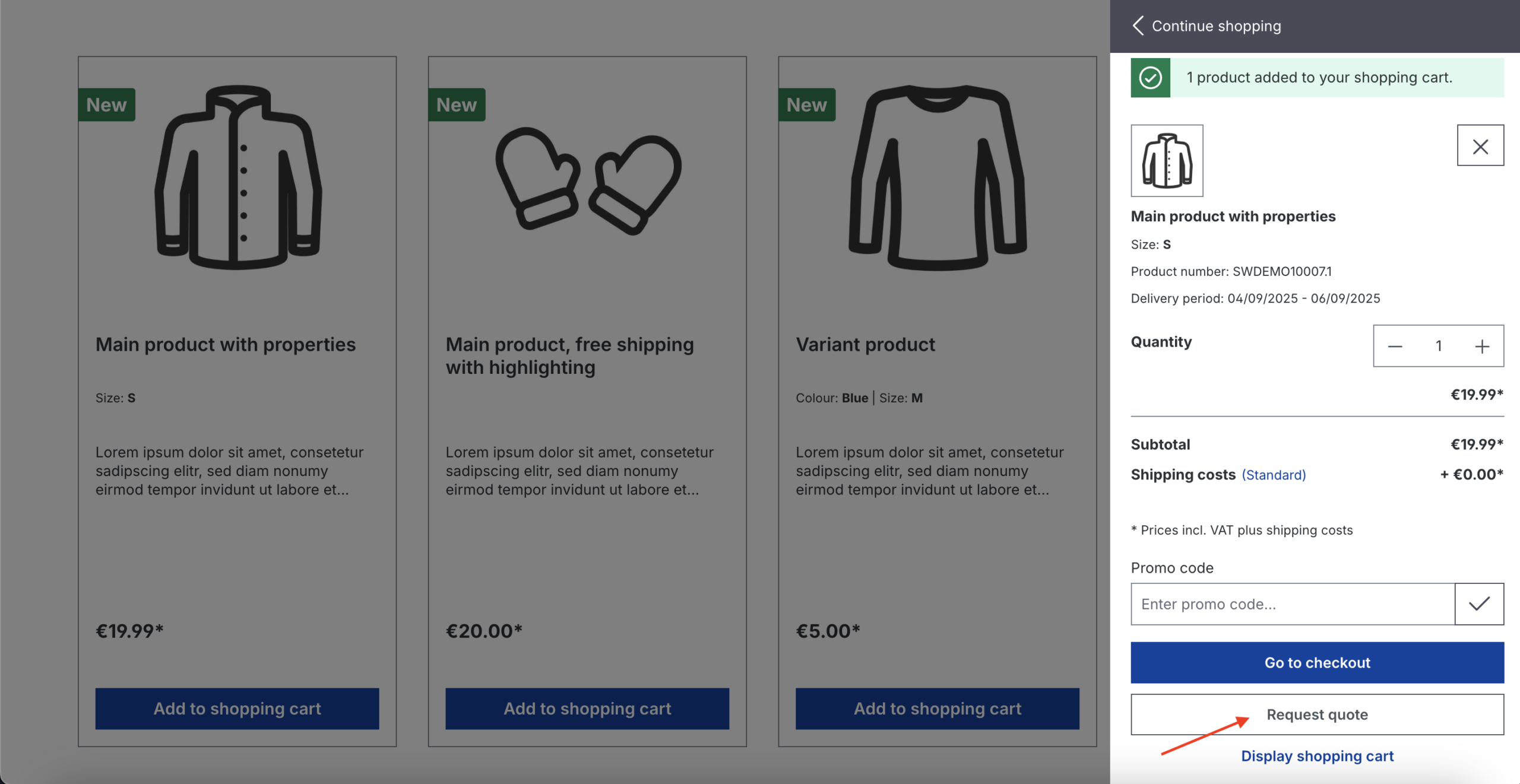
2. Then when we add a product to cart , Request quote shows up we click on it
Quote request shows up and we can leave a message if we want (optional), we click send
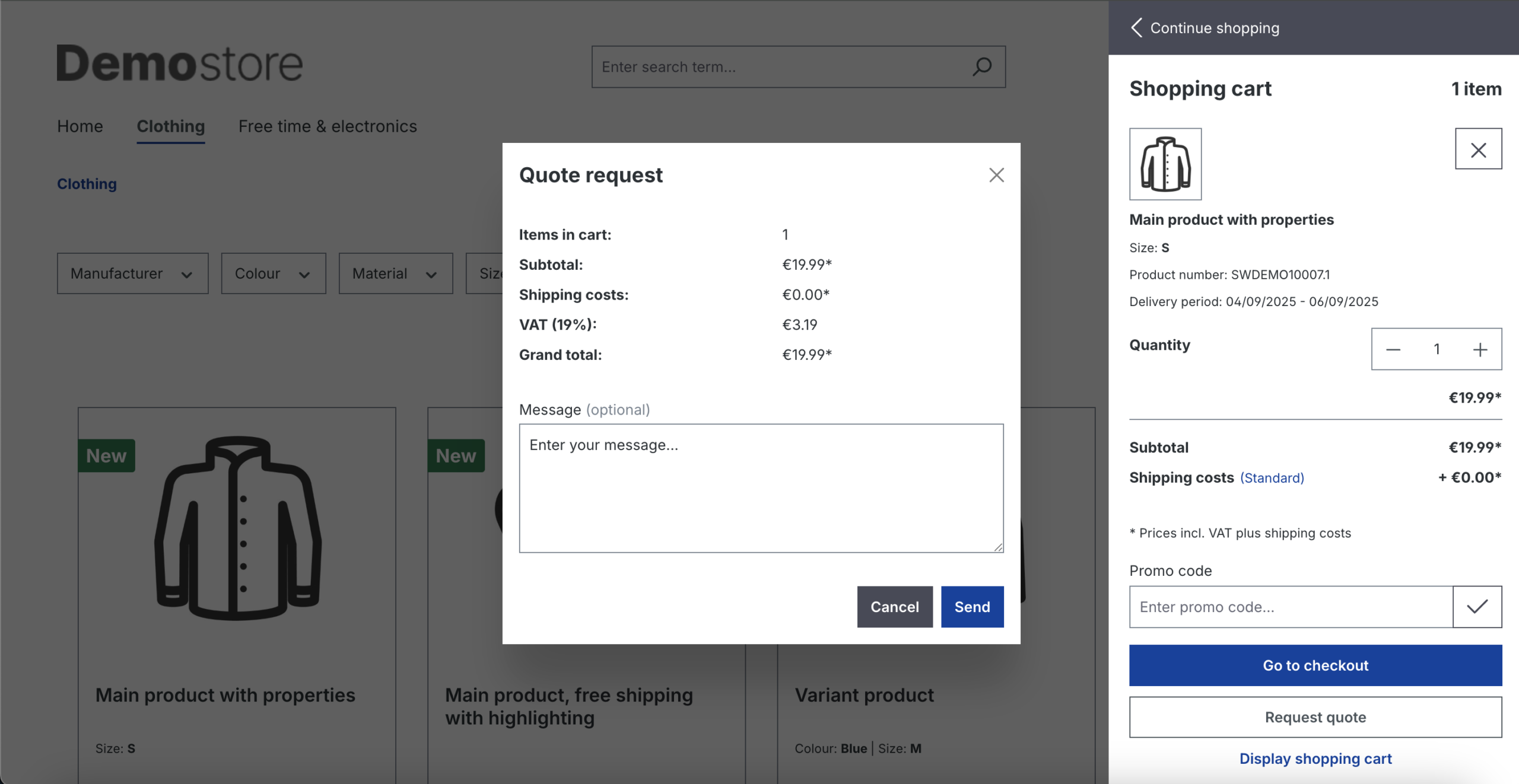
The request is done and a Quote has been created .
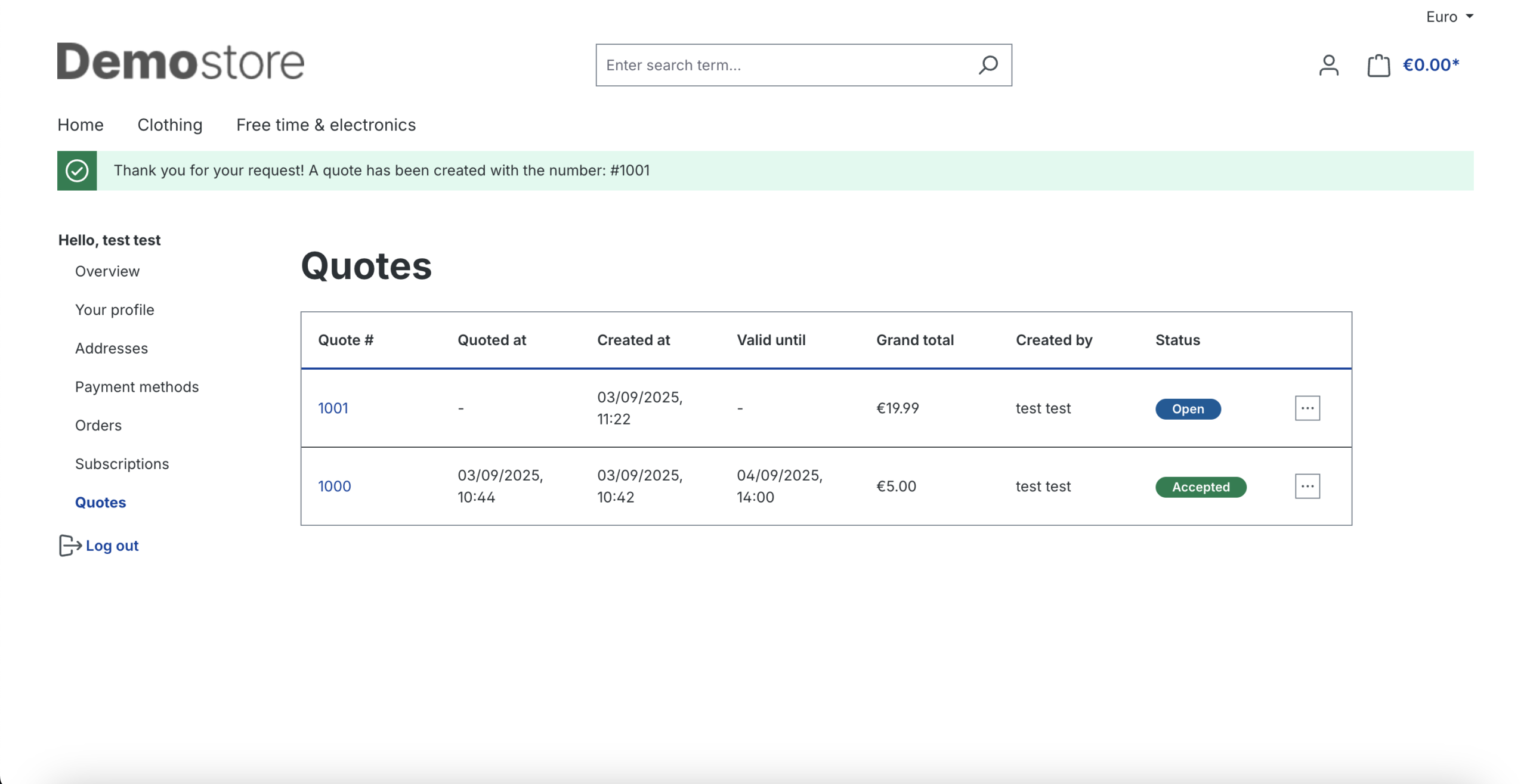
3. Then we go to Admin , Orders -> Quotes , and we will see the Quote number 1001 has been created and it’s on review
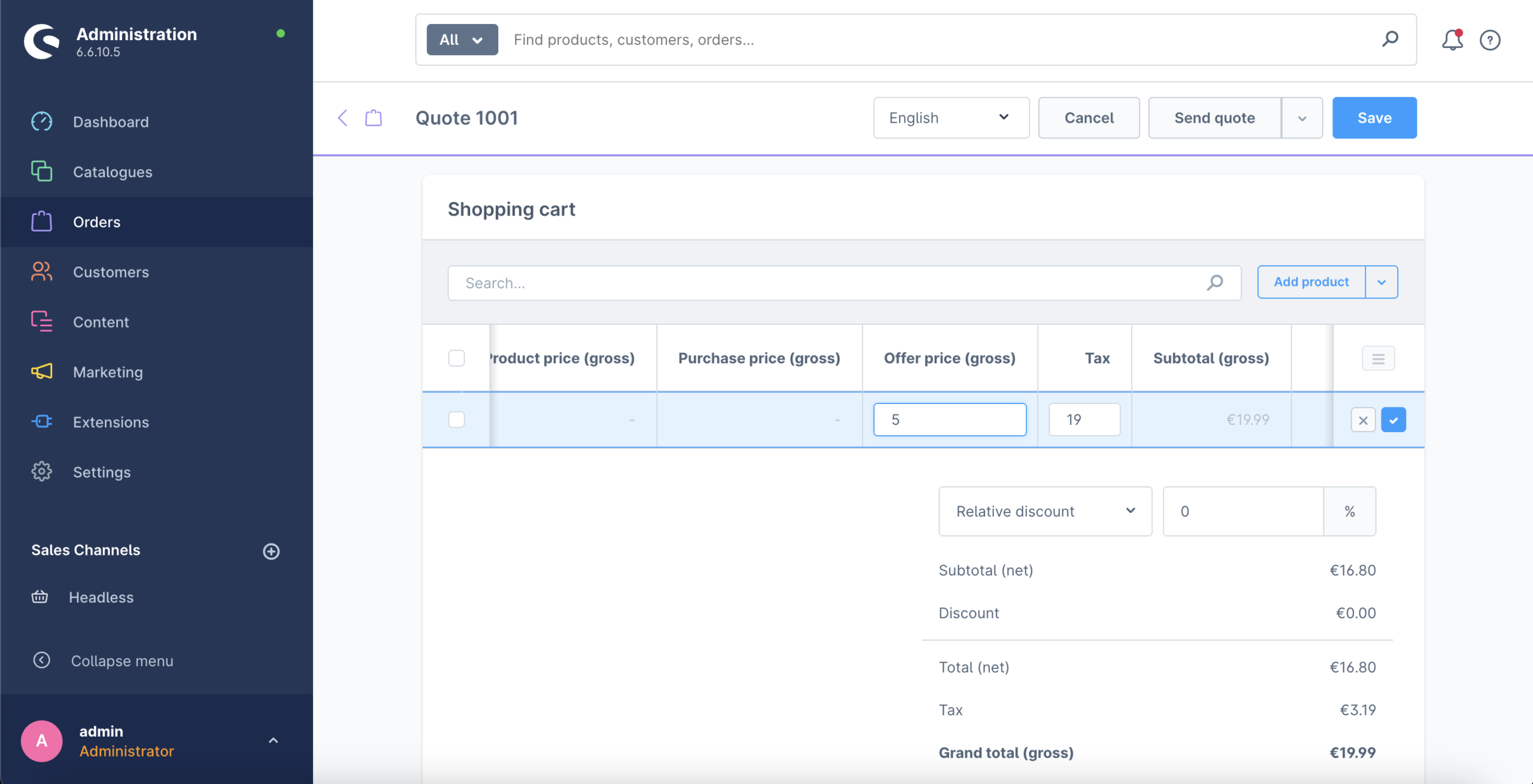
We click on the quote 1001 , we can give a Offer price (gross) , if we want that price to be always for this customer then we select Persist Price or if we want for that price to apply just once we leave it unmarked .
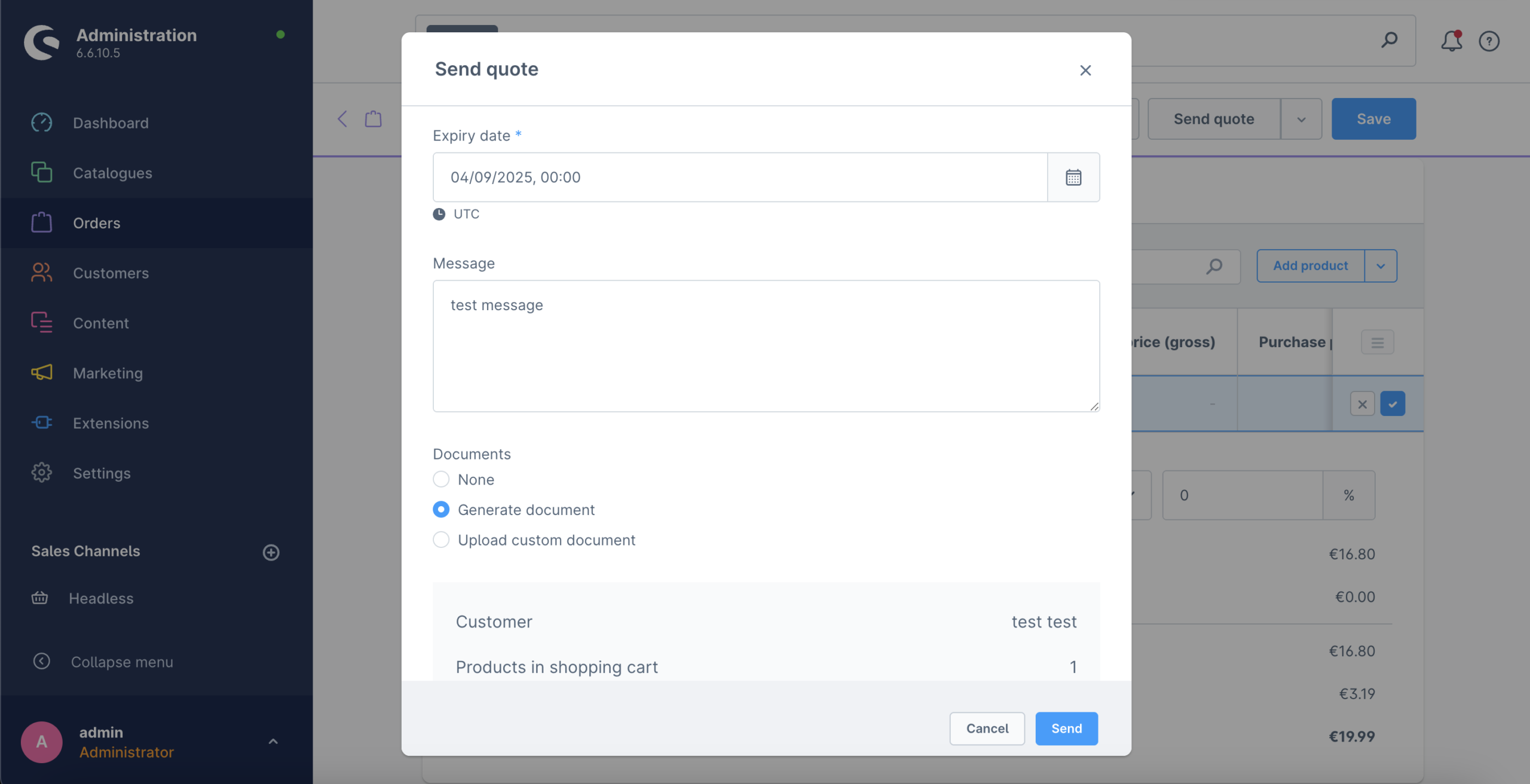
We click on Send Quote , and we can add an expiry date and a message . When we fill those we can send it .
4. Then if we go back to storefront , we can see that we replied , and the customer can chose if he wants that price to be applied by clicking place order , or decline it .
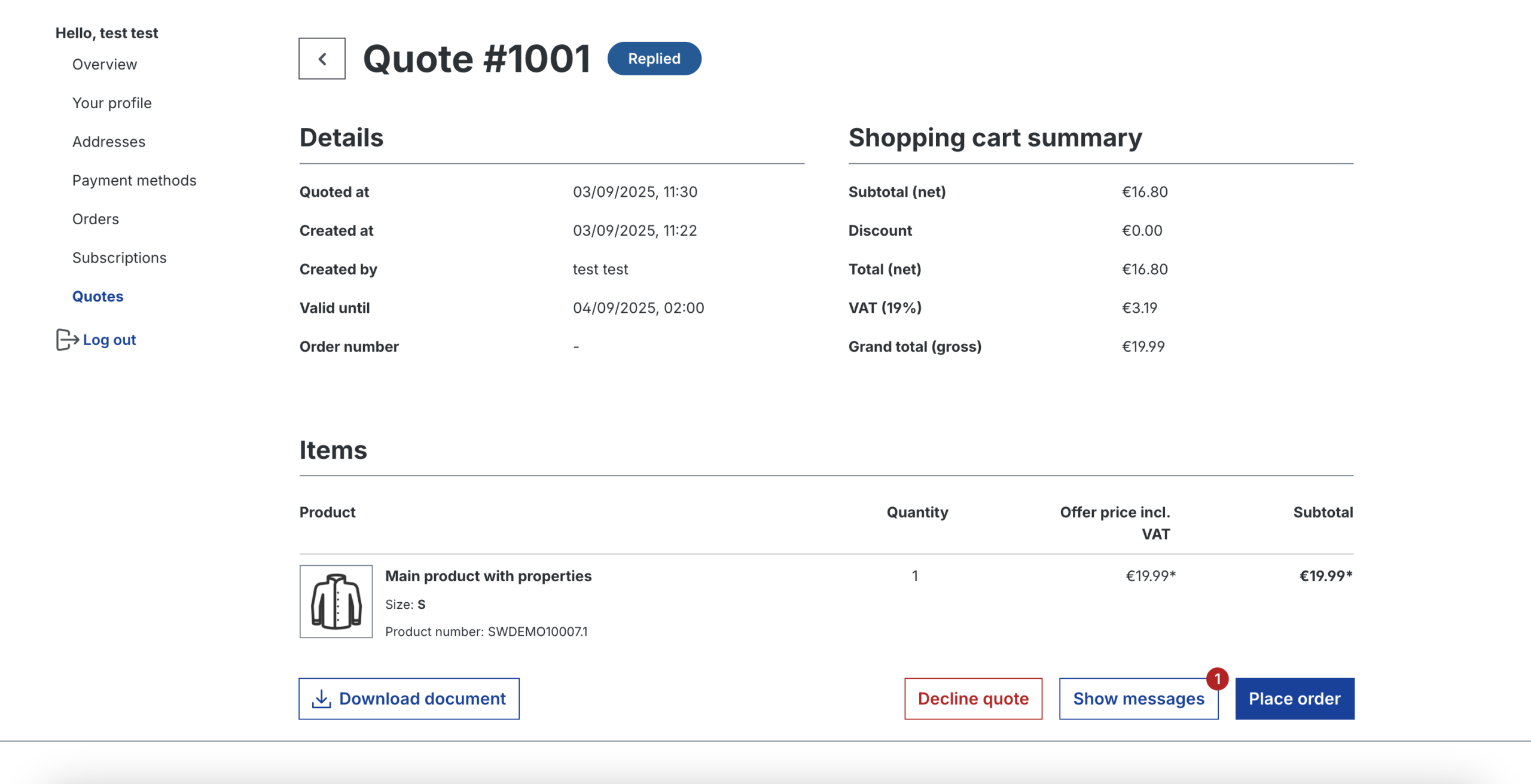
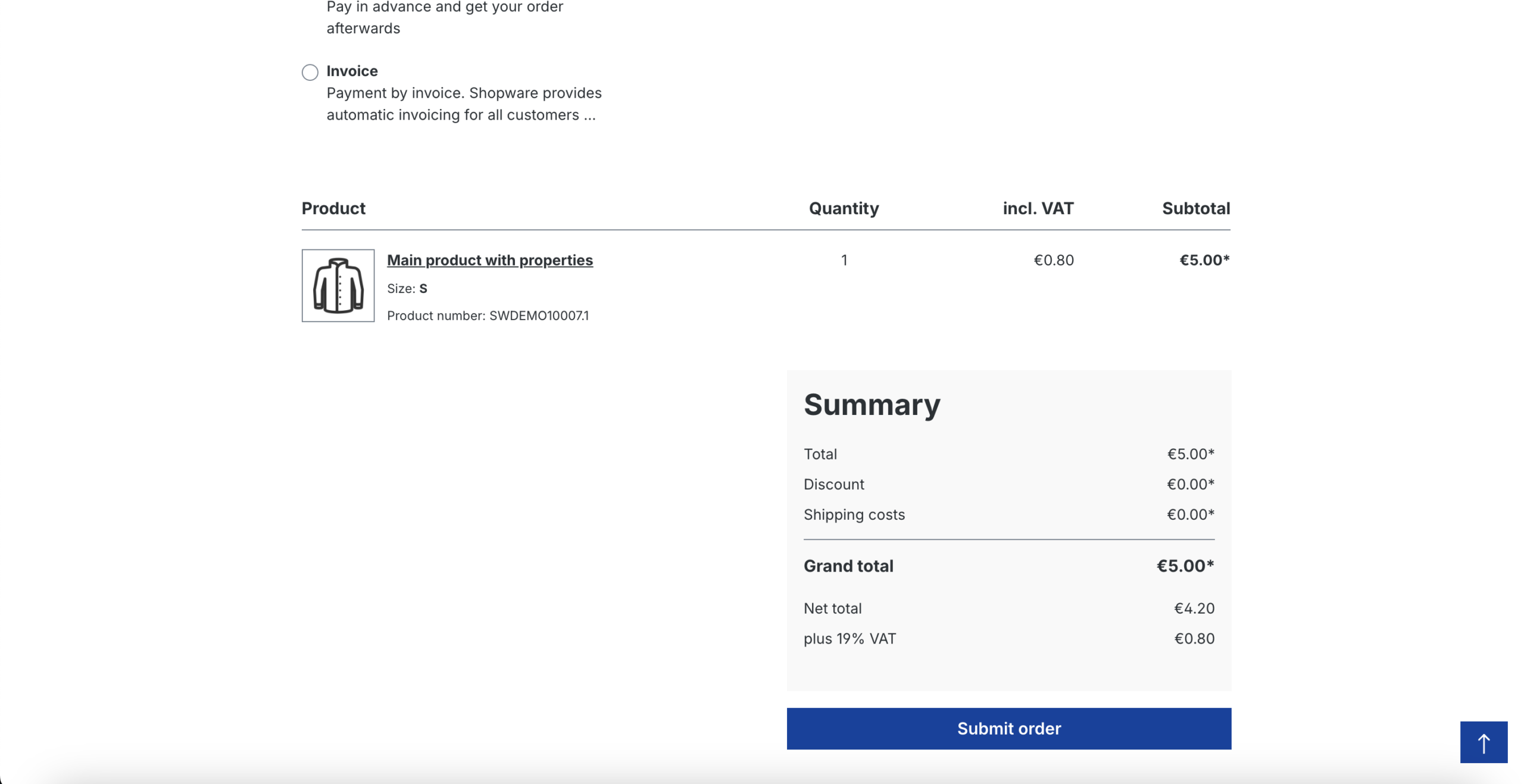
When we click place order , the price of the product now will show 5.00$
When we make the payment , in the Customers -> Customer Specific Price we can see the new customer specific price :