

Digital transformation is no longer a competitive edge, it is a requirement. In today’s e-commerce environment, businesses are under constant pressure to optimize workflows, reduce operational costs, and deliver exceptional customer experiences. But the traditional path to automation has often been paved with complex custom code, long development cycles, and significant technical debt. This is where low-code tools have emerged as a reliable and scalable alternative.
Low-code development platforms are changing how companies interact with technology. They enable process automation without the need to build systems from the ground up. Instead of writing thousands of lines of custom code, teams can now use drag-and-drop interfaces, pre-built integrations, and reusable components to deploy powerful solutions quickly and at scale. This innovation is particularly impactful in the Shopware ecosystem, where efficiency, modularity, and integration flexibility are critical to success.
At solution25, we’ve worked with a wide range of businesses seeking to simplify their operations without compromising on performance. Many of them faced a common challenge: their internal processes had outgrown the manual systems they relied on. Yet, they didn’t have the time or resources to build custom automation tools from scratch. By introducing low-code tools for Shopware automation, we’ve helped these clients overcome limitations, scale with confidence, and future-proof their infrastructure.
This article offers a complete overview of how low-code solutions are transforming e-commerce workflows in Shopware. It breaks down the technical complexity into actionable insights, explaining core concepts like Shopware workflow automation, Shopware API automation tools, webhook automation, and integration with platforms such as Zapier, n8n, Pipedream, and Make. It also explores the role of AI orchestration tools, Shopware GPT integration, and JavaScript-based enhancements, as well as how businesses are leveraging systems like Google Cloud Workflows, AWS Step Functions, and Node-RED to manage operations at scale.
The following sections provide a clear path forward for any organization aiming to leverage low-code automation in Shopware. Whether the goal is to reduce human error, improve customer experience, or scale faster without overburdening development teams, low-code platforms present a powerful alternative. And with the right partner, one that understands the balance between technology, strategy, and growth, these tools can deliver measurable results.
As the article unfolds, each section will demonstrate the specific tools, methods, and technologies that are reshaping Shopware automation. The goal is not only to explain how these tools work, but to clarify how they fit into a broader strategy of intelligent, adaptable e-commerce operations.
Free 15 min initial consultation directly with our experts.
Before diving into specific tools and integrations, it is essential to understand what low-code and no-code automation actually mean especially in the context of Shopware. These two approaches are often mentioned together, but they serve distinct purposes within digital operations.
Low-code automation refers to development practices that require minimal hand-written code. Instead of building every component from scratch, developers can use visual interfaces, modular templates, and pre-built logic blocks to assemble sophisticated systems. In Shopware, this could include building workflows for managing product data, syncing inventory across systems, or automating marketing campaigns without needing to program every detail.
These tools are ideal for teams that want to accelerate digital innovation without sacrificing flexibility. Developers maintain control over the logic, while non-technical team members can collaborate more effectively by handling configuration and flow design.
No-code automation pushes simplification even further. These tools are built specifically for non-developers. No-code platforms typically rely entirely on visual builders, allowing users to drag and drop automation logic, connect apps, and trigger actions based on simple conditions. For Shopware merchants and operations managers, no-code automation makes it possible to set up alerts, notifications, or data syncing routines across tools like CRMs, email systems, or ERPs, without ever writing a single line of code.
Shopware’s modular and API-first architecture makes it an ideal candidate for both low-code and no-code platforms. Its backend systems are highly extensible, while its frontend built on technologies like Vue.js, can be adjusted dynamically through asynchronous interactions. These characteristics allow seamless integration with modern automation tools, whether the goal is frontend interactivity, backend synchronization, or full-stack orchestration.
By using low-code tools, businesses gain access to efficient workflow automation Shopware processes without waiting for long development cycles. No-code automation Shopware opens the door to smaller teams or business units, enabling rapid iteration on workflows that are too fluid or fast-moving to justify full development sprints.
As competition intensifies, companies can no longer afford delays caused by manual steps or fragmented processes. Workflow automation Shopware allows repetitive tasks to be executed automatically. Whether it involves routing orders to specific fulfillment centers, updating shipping statuses, or flagging high-value customers, these processes can now be managed visually and in real-time.
Low-code and no-code systems bring the power of automation to the fingertips of both developers and business teams, making it easier to bridge technical and operational gaps. In Shopware’s case, the ecosystem is already rich with capabilities, and low-code solutions unlock those capabilities without introducing unnecessary technical complexity.
A well-configured Shopware automation platform acts as the central nervous system of a store’s operations. It connects various services, listens for internal and external triggers, and executes intelligent actions. This automation platform is powered by both native Shopware tools and third-party integrations, which will be explored in the next sections.
With automation as a foundational element, Shopware stores can move beyond isolated improvements and instead build composable automation Shopware environments where everything works in sync.
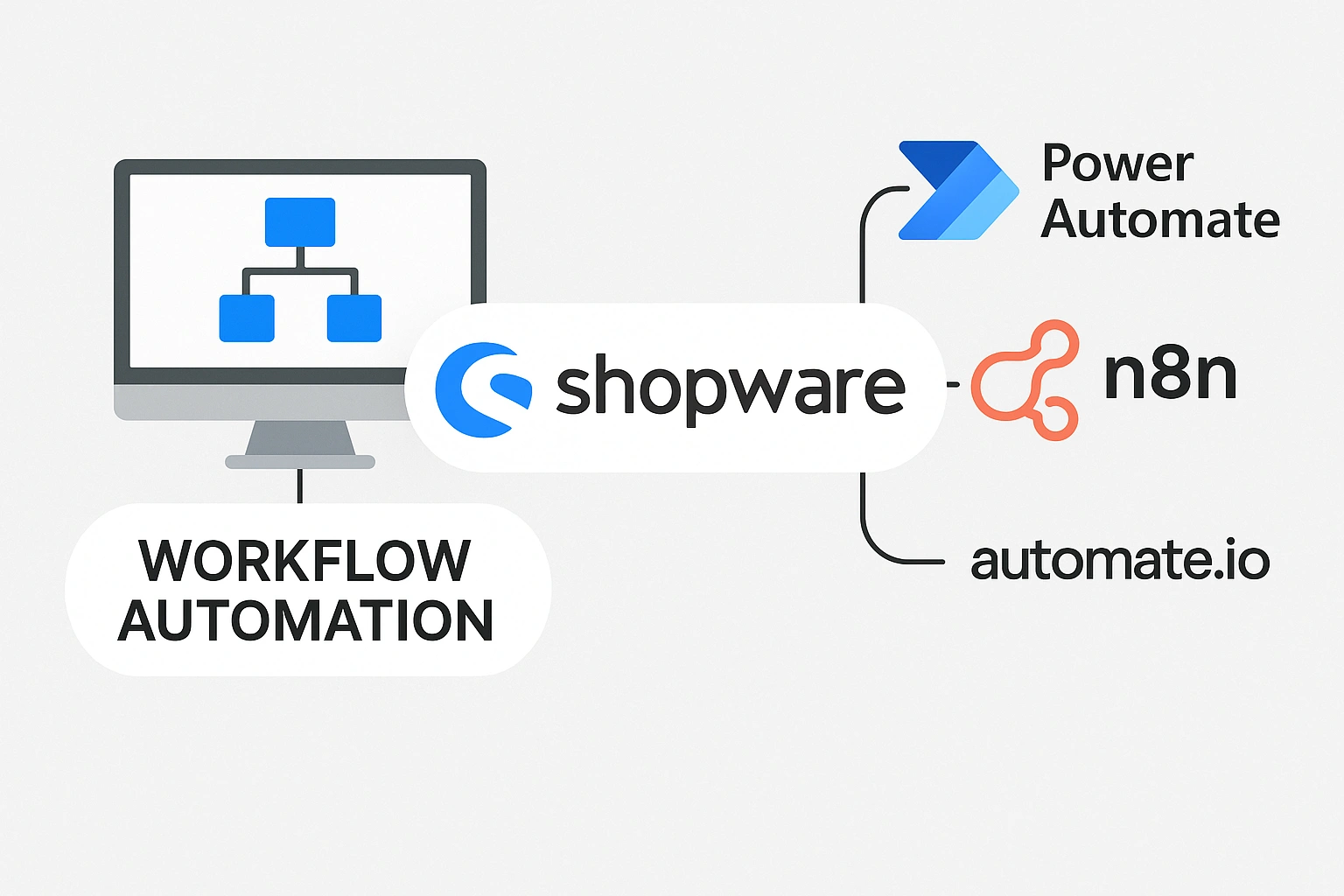
At the heart of low-code innovation is the concept of visual automation. Instead of relying solely on custom scripting and backend logic, modern tools provide workflow builder interfaces that allow teams to create complex logic visually using flowcharts, modules, and drag-and-drop components.
In the Shopware ecosystem, these visual builders are crucial for connecting actions, triggers, and conditions across the storefront and the admin panel. They serve as the blueprint for automation, offering a clear overview of processes and making real-time adjustments possible.
Shopware’s headless-ready architecture supports interaction with various third-party workflow builders. These tools allow for the visual modeling of business processes. Tasks such as assigning order priorities, auto-generating discount rules, updating product visibility, or processing returns can all be defined through simple drag-and-drop components. Logic branches, conditional paths, and scheduled actions can be set up in minutes, not days.
This approach significantly reduces the technical barrier, enabling collaboration between developers and business teams. While developers may fine-tune technical logic, marketers, logistics managers, and sales teams can design their own flows without needing deep coding experience.
Visual builders are not just planning tools they connect directly to Shopware through APIs and webhooks, making automation live and responsive. These workflows can be triggered by events such as new orders, customer sign-ups, or inventory changes.
For example, when a customer places a high-value order, a visual workflow might instantly update the CRM, notify the sales team via Slack, trigger a follow-up email, and update the customer tier in Shopware all in one continuous chain.
The strength of visual workflow builders lies in their modular nature. Each automation can be broken into components, reused, and adapted. This concept is referred to as composable automation Shopware. Rather than one large, monolithic process, composable systems allow businesses to build smaller units that can be rearranged as needs change.
This flexibility is ideal for scaling e-commerce operations. When product catalogs grow, new fulfillment partners are added, or customer segmentation strategies evolve, visual workflows can be quickly adjusted without overhauling the system.
These tools are especially beneficial when:
For companies managing diverse product lines, international markets, or frequent promotions, visual automation makes it easier to stay agile and consistent.

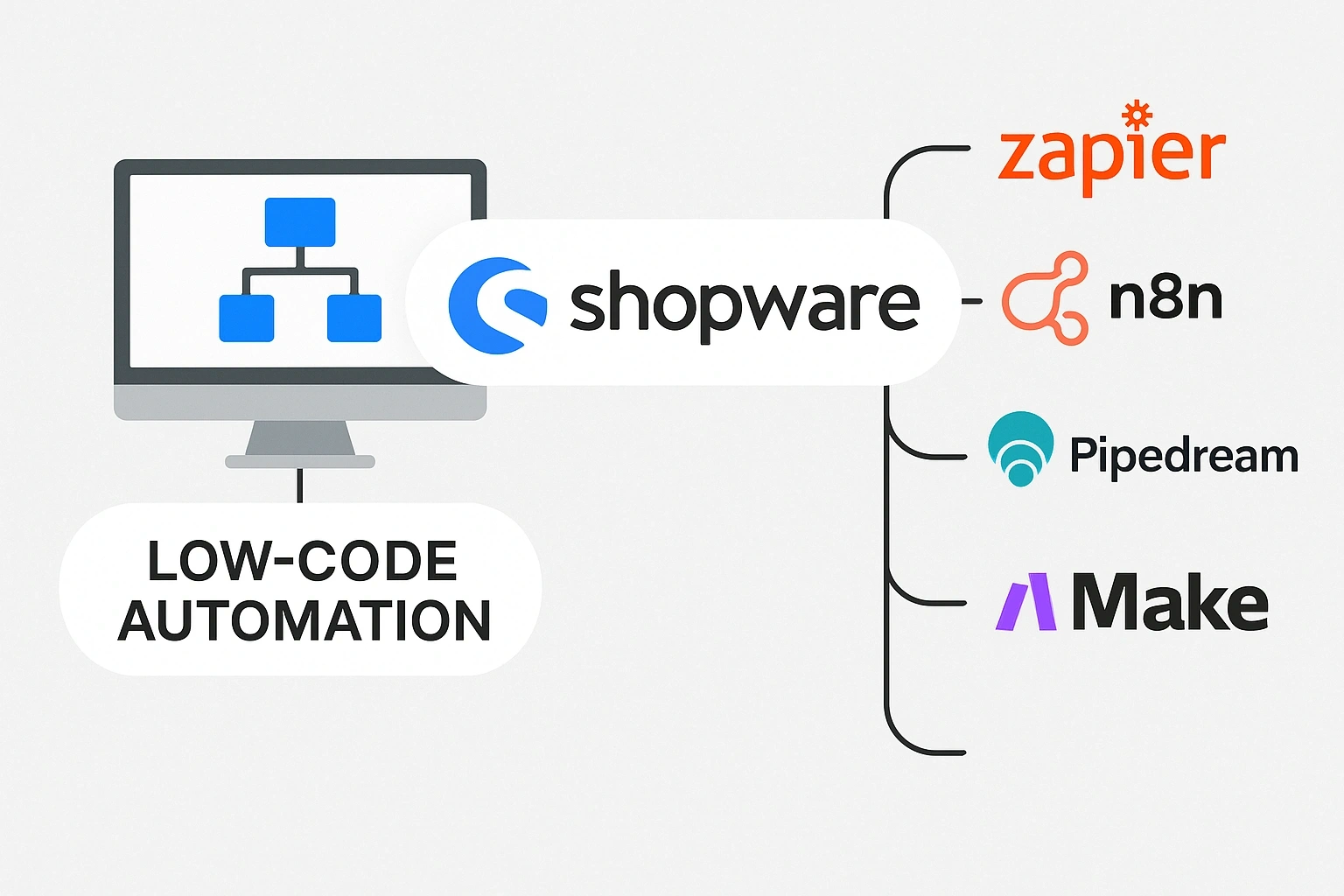
One of the key advantages of low-code automation in Shopware is the ability to integrate easily with a wide range of third-party platforms. These platforms offer pre-built connectors, visual automation interfaces, and API integration layers that eliminate the need for custom development. As a result, businesses can quickly link Shopware to CRMs, payment processors, inventory tools, analytics dashboards, and much more with minimal effort and maximum flexibility.
This section explores some of the most effective low-code integration platforms available today and how they enhance automation capabilities in Shopware.
n8n (short for “nodemation”) is an open-source workflow automation tool that gives developers full control over logic while keeping automation highly visual. Through n8n Shopware integration, businesses can connect their Shopware store to over 700 apps, APIs, and databases.
Common use cases include:
What makes n8n stand out is its flexibility. Developers can add custom JavaScript functions, while operations teams can manage flows visually. This balance makes it suitable for mid-sized businesses and enterprise operations alike.
Make (previously known as Integromat) is another powerful platform for automating complex business workflows without writing code. With Make Shopware integration, users can create multi-step scenarios using drag-and-drop functionality.
Popular automation examples include:
Make supports Shopware Integromat automation through API modules and custom webhook triggers. It’s particularly strong at handling conditions, iterations, and batch processing, making it ideal for automating recurring backend operations.
Zapier is one of the most well-known no-code automation tools and provides an easy way to link Shopware with over 6,000 other apps.
With Zapier Shopware integration, teams can:
While Zapier is more suited for lightweight workflows, it excels in getting systems connected quickly and reliably especially when technical resources are limited.
Pipedream combines low-code convenience with developer-friendly extensibility. Through Pipedream Shopware integration, automation scripts can be triggered by Shopware events and executed using pre-configured Python or Node.js code blocks.
Use cases often include:
Pipedream is particularly attractive to technical teams who need a fast way to connect APIs, transform data, and deploy scalable background jobs without setting up complex infrastructure.
Tray.io offers enterprise-grade automation with deep control over workflows and data mapping. Its Shopware integration enables robust automations between Shopware and ERP, CRM, and customer service platforms.
Typical uses of Tray.io Shopware integration include:
Tray.io is particularly suitable for companies needing granular control, role-based access, and highly customizable automation pipelines.
Parabola is built for non-technical users and excels at automating repetitive data workflows. With Parabola Shopware integration, teams can:
This tool shines when working with CSVs, spreadsheets, and API data sources, allowing operations and marketing teams to automate without developer support.
Airtable, a hybrid spreadsheet-database platform, becomes incredibly powerful when combined with Shopware. Through Shopware Airtable automation, merchants can:
Using platforms like Make, Zapier, or Pipedream, Shopware can push or pull data directly from Airtable, creating real-time dashboards and interactive CRM-like systems tailored to each business’s needs.
Each of these third-party platforms adds new dimensions to Shopware automation. By connecting Shopware to the tools already in use across sales, operations, marketing, and support, low-code integrations drive efficiency, reduce friction, and allow businesses to build Shopware process automation stacks that are both powerful and easy to maintain.
Artificial Intelligence is rapidly becoming a core component of e-commerce infrastructure. When combined with low-code tools, AI capabilities allow Shopware stores to go far beyond basic task automation. Instead of just streamlining workflows, AI integrations unlock intelligent decision-making, natural language processing, content generation, and predictive analytics.
For businesses using Shopware, integrating AI-powered tools means being able to personalize customer experiences, automate product management, and respond to real-time trends faster than ever before. Low-code platforms make it easier to access these capabilities without requiring full-scale data science teams or expensive custom solutions.
This section explores the growing list of AI integrations that work seamlessly within Shopware’s architecture.
Integrating Shopware with OpenAI enables a wide range of intelligent features, including product description generation, dynamic content creation, and conversational experiences. Using platforms like Pipedream, Make, or n8n, these AI services can be connected directly to Shopware workflows.
For example, product descriptions can be auto-generated when new items are added to the catalog, using data fields like size, color, and category. This reduces manual workload and maintains consistency across listings.
Connecting Shopware with ChatGPT creates opportunities for customer service enhancement. Businesses can implement automated support agents that assist customers during the purchasing process, answer frequently asked questions, or recommend products based on cart behavior.
These chatbots can be deployed on the storefront, in live chat widgets, or even integrated into backend tools to assist staff. When used with low-code automation platforms, these chat experiences can be customized and deployed quickly.
Shopware with AutoGPT represents a step further by allowing automation agents to perform multi-step reasoning. For example, an AutoGPT process could scan product trends, suggest adjustments to pricing or inventory, and initiate changes in Shopware automatically, based on predefined rules.
Low-code tools simplify this integration by handling data transfer and event triggers between systems.
Shopware with Hugging Face allows the use of open-source models for tasks such as sentiment analysis, language translation, and product categorization. These models can process customer reviews, predict buying intent, or optimize content for specific audiences.
Businesses can connect Hugging Face APIs to Shopware data pipelines using low-code workflows. This makes it possible to automate product tagging or improve search relevancy based on natural language inputs.
Shopware LangChain automation brings multi-modal AI orchestration into Shopware operations. LangChain is designed to chain large language models together with memory and tools to build context-aware applications.
This is useful for building intelligent systems that can follow up on user behavior, summarize customer interactions, or help sales teams respond faster by auto-generating emails and reports.
Managing AI workflows requires orchestration. Low-code platforms allow the implementation of AI orchestration tools Shopware can rely on. These orchestrators help manage API limits, monitor output accuracy, and determine when to escalate tasks to human review.
This is especially important in real-time customer interactions where tone, language, and intent matter. These tools can also ensure compliance with privacy standards and brand guidelines.
A unified Shopware AI integration platform helps bring together multiple AI services under one operational layer. This includes models from OpenAI, Hugging Face, and others. Using Make or n8n, businesses can define which AI to call based on task type, enabling a best-fit model approach.
For instance, a natural language classification model might determine customer mood, while a GPT model generates a follow-up response. This layered integration improves precision and effectiveness.
When Shopware deals with large volumes of data, Shopware async processing AI becomes essential. These workflows allow long-running AI tasks to process in the background, returning results to Shopware once complete.
Examples include batch-processing customer feedback, analyzing seasonal trends, or running A/B content tests. Low-code platforms manage the timing, error handling, and data reconciliation without additional infrastructure.
These AI integrations are not just enhancements. They are transforming how e-commerce operates. With low-code automation tools acting as the connective tissue, these capabilities become accessible, affordable, and scalable. Businesses can shift from reactive operations to proactive experiences, using data and intelligence to drive every decision.
At the core of every efficient automation system lies the ability to move, manage, and manipulate data. Shopware’s modern infrastructure is designed to support this with a robust API layer, making it an ideal environment for data-driven automation. Low-code tools amplify these capabilities by providing accessible interfaces for configuring API requests, data flows, and event-based triggers without needing to write and maintain complex backend code.
Shopware API automation tools allow seamless data communication between Shopware and external systems. This includes inventory platforms, accounting software, CRM databases, email marketing services, and logistics providers. By automating data exchange, businesses eliminate redundant manual entry and reduce errors that can impact both customer satisfaction and operational efficiency.
Shopware webhook automation plays a key role in making this process responsive. Webhooks act as real-time messengers that notify systems when specific events occur. For example, when a new order is placed in Shopware, a webhook can immediately trigger a sequence of automated actions such as updating a stock level in an ERP, sending an order confirmation to a shipping partner, and recording the transaction in a sales dashboard. These workflows keep all systems synchronized without delays.
Shopware data pipeline tools are essential for transforming raw data into usable formats across different services. With tools like Make, Pipedream, and Tray.io, Shopware can push order, customer, or product data into Google Sheets, Airtable, Salesforce, or other databases where analysis, forecasting, or reporting is handled. These pipelines can clean, structure, and enrich data as it moves between systems.
Another important function is validation. Low-code platforms can validate incoming data to ensure consistency before it reaches Shopware. For instance, customer records imported from a third-party CRM can be checked for missing fields or incorrect formatting. If issues are found, the workflow can alert the team or automatically correct minor errors using predefined logic.
Automated syncing also reduces operational lag. Shopware background job automation enables scheduling of updates during off-peak hours or in real time as changes occur. This improves store performance and ensures that end users always interact with the most current data available.
Shopware process automation stack components often rely on both push and pull mechanisms. While webhooks push data instantly, API polling can pull data on a set schedule to check for updates. Combining both allows businesses to control resource consumption while keeping workflows responsive.
Shopware event-driven workflows can also be used for more advanced cases. For instance, when a customer purchases a high-value item, the system might trigger an automated fraud check, notify the finance team, apply loyalty points, and segment the customer for future targeted campaigns. All of this happens in a few seconds and is managed through simple visual workflows built on API triggers and logic blocks.
In a well-orchestrated Shopware automation platform, data becomes more than just information. It becomes an active part of the system’s intelligence, continuously driving decisions and unlocking new opportunities for automation. With low-code tools managing the flow, transformation, and validation of that data, businesses can reduce operational drag and focus on growth.
While low-code tools offer visual builders and pre-configured modules, there are many cases where additional flexibility is needed. This is where scripting languages like JavaScript and Python come into play. In the Shopware environment, both languages play a strategic role in enhancing low-code workflows without sacrificing performance or maintainability. Businesses can integrate lightweight scripts into visual workflows to unlock advanced logic, custom behaviors, and backend operations that are otherwise unavailable through no-code configurations alone.
Shopware JavaScript automation is most commonly used on the frontend. Since the Shopware storefront is built with Vue.js, JavaScript becomes the foundation for dynamic user interfaces. Developers can use it to update cart totals in real time, display conditional content, auto-fill customer forms, or trigger actions based on scrolling and clicks. All of these features improve user experience without requiring full page reloads. When paired with low-code platforms, these interactions can also initiate backend workflows such as notifying the warehouse, updating customer records, or logging activity to analytics platforms.
Shopware Python automation is often used behind the scenes. Python’s simplicity and power make it an ideal choice for data processing, third-party API integrations, and custom logic execution. When connected through tools like Pipedream or Prefect, Python scripts can handle operations like parsing XML files, converting product data into different formats, or generating complex reports from raw order histories. These functions can be embedded within a broader low-code workflow to extend its capabilities without overcomplicating the setup.
Shopware async processing AI benefits significantly from both JavaScript and Python. For example, a Python script might asynchronously pull product reviews from an external site and run sentiment analysis. Based on the outcome, a JavaScript-based visual alert can display customer satisfaction trends directly in the Shopware admin panel. These workflows combine the strengths of both languages while keeping the system responsive and scalable.
In many cases, low-code platforms provide built-in support for adding custom code blocks. Within a visual workflow, a developer might insert a small JavaScript function to clean up product names or use a Python block to calculate dynamic shipping fees based on distance and weight. These custom code injections allow teams to stay within a low-code framework while still meeting unique business needs.
Shopware background job automation also benefits from scripting. Jobs like syncing external price databases, transforming data structures, or archiving records can be scheduled using low-code tools, but the actual task logic may be written in JavaScript or Python. This division of responsibility keeps systems lean while allowing developers to intervene when necessary.
Both JavaScript and Python are essential parts of the Shopware process automation stack. They allow businesses to handle edge cases, integrate with less common tools, and optimize performance beyond the limitations of purely visual platforms. By embedding these scripts within low-code workflows, Shopware users gain full control over both the behavior and scalability of their operations.
The use of scripting does not eliminate the benefits of low-code. Instead, it enhances them. Businesses can start with visual workflows and extend only what is necessary, making automation both approachable and adaptable.
As businesses scale, so do their automation needs. Enterprise operations often require more than simple integrations and pre-built workflows. They need systems that support multi-step processes, real-time event handling, resource optimization, and compliance at scale. This is where advanced automation platforms enter the Shopware ecosystem. These tools offer deeper capabilities for orchestration, observability, and system-wide coordination.
Shopware with Retool allows developers to build custom internal tools using a low-code interface. It connects seamlessly to Shopware’s API and enables teams to build dashboards, admin panels, and data entry tools that reflect real-time information from the store. These tools are used to manage inventory, approve high-value orders, or visualize sales performance in a customized view.
Shopware with Node-RED is a visual flow-based development environment ideal for integrating APIs, databases, and IoT services. Node-RED supports drag-and-drop flows for routing Shopware data to services like Google Sheets, AWS, or custom-built platforms. It is often used in warehouses and logistics networks where physical systems need to be connected with Shopware events.
Shopware with Prefect introduces workflow orchestration that is ideal for data-driven businesses. Prefect allows for highly customizable scheduling, error handling, and distributed execution. It can monitor long-running jobs, retry failed tasks, and notify stakeholders based on defined rules. In large Shopware stores, this helps ensure that complex backend operations such as order reconciliation or reporting pipelines run smoothly without interruptions.
Shopware with Temporal offers another layer of reliability for asynchronous task execution. Temporal is used to manage distributed transactions such as refunds, loyalty point updates, or payment reconciliations that span multiple services. These workflows often need to be rolled back or retried depending on external dependencies, which Temporal handles gracefully within Shopware automation stacks.
Shopware with Apache Airflow is widely used for building data pipelines. Airflow allows teams to define directed acyclic graphs that outline each step in a data transformation process. In a Shopware context, this might include extracting order data, enriching it with product metadata, formatting it for a BI tool, and pushing the result to a reporting dashboard. All of this is controlled visually and executed reliably.
Shopware with Microsoft Power Automate provides a corporate-friendly platform for connecting Shopware with enterprise tools like Dynamics 365, Excel, Outlook, and Microsoft Teams. Automations include triggering tasks based on customer behavior, sending alerts to finance teams, or syncing product updates with a central database.
Shopware with Google Cloud Workflows is suitable for stores operating within the Google Cloud environment. These workflows can manage connections between Shopware, BigQuery, Google Sheets, and other Google services. They are often used in marketing analytics, dynamic pricing, and promotional campaigns.
Shopware with AWS Step Functions is ideal for teams operating on Amazon’s cloud infrastructure. It enables complex automation sequences to be built using a visual interface. These workflows can manage product ingestion, price optimization, fraud detection, and automated fulfillment across multiple regions.
Shopware with Automation Anywhere offers robotic process automation capabilities. It is used in environments where legacy systems still play a role. For example, Shopware orders can trigger bots to update accounting software that lacks APIs.
Shopware with UIPath functions similarly but is often deployed in finance and HR departments where large volumes of repetitive tasks are present. It automates data extraction, invoice generation, and regulatory compliance checks based on Shopware events.
Shopware with IBM Watson Orchestrate brings cognitive automation into the mix. Watson enables personalized responses, document understanding, and workflow reasoning. When integrated with Shopware, it helps streamline customer onboarding, dispute management, and intelligent recommendations.
These platforms form the foundation of enterprise-grade Shopware automation. Each tool extends the possibilities of low-code development, ensuring that businesses can scale without bottlenecks, downtime, or unnecessary technical overhead.
Building a strong automation stack begins with a clear understanding of business objectives and operational requirements. The Shopware process automation stack refers to the combination of tools, services, and logic layers that work together to automate daily activities across the store.
The first layer is data movement. This includes Shopware API automation tools, webhook automation, and connectors that move data between Shopware and external systems. These tools ensure that inventory, customer records, pricing, and product content are always accurate and up to date.
The second layer is workflow execution. This involves tools like Make, n8n, Zapier, and Pipedream that define the steps to be executed when certain triggers occur. These steps can include notifying staff, sending emails, calling third-party APIs, or transforming data.
The third layer is intelligence. AI orchestration tools such as OpenAI, Hugging Face, and LangChain add decision-making capabilities to workflows. Instead of relying only on predefined rules, these systems can analyze context and respond accordingly.
The fourth layer is orchestration and observability. Tools like Prefect, Airflow, Temporal, and Step Functions provide reliability at scale. They monitor performance, retry failures, and log activities for audit and compliance.
The fifth layer is interaction. Interfaces built with Retool or visual dashboards connected through Airtable give teams insight and control over the automation system. They help non-technical stakeholders monitor progress, intervene when necessary, and stay aligned with strategic goals.
When all layers are aligned, Shopware stores can automate at every level. From product onboarding to order fulfillment and customer retention, automation becomes a consistent and dependable asset. These systems are not static. They evolve alongside business growth, adapting to new challenges and opportunities without the need for expensive rewrites.
The ideal stack is flexible, scalable, and transparent. It gives teams visibility into performance, control over workflows, and the freedom to experiment with new ideas. Most importantly, it frees up time and resources to focus on delivering better experiences and building stronger relationships with customers.
Automation is not just about efficiency. It is about creating systems that empower teams, reduce friction, and unlock new growth. In the world of Shopware, low-code tools offer an accessible, reliable, and scalable way to build those systems.
From visual workflow builders and third-party integrations to AI orchestration and enterprise-level platforms, the Shopware ecosystem is rich with possibilities. These technologies allow businesses to respond faster, personalize experiences, and streamline operations without over-relying on custom development or fragmented tools.
At solution25, we specialize in helping businesses harness the full potential of low-code and automation in Shopware. Whether the goal is to connect Shopware with OpenAI for intelligent product recommendations, automate data pipelines using Integromat or Zapier, or implement background job automation with Prefect or Temporal, our team has the experience and strategy to deliver.
By designing automation stacks that are modular, intelligent, and future-proof, we ensure that every process is built for scale, performance, and adaptability. As the demands of e-commerce continue to evolve, the ability to move quickly without sacrificing control will define long-term success.
Low-code tools are more than a trend. They are the infrastructure for the next generation of e-commerce. With the right architecture and a trusted partner like solution25, that future can be implemented today.